Chapter 10
What signing does for you
The contract, the job, the Won stage and the deposit invoice, all created at once.
Who: Sales repOwnerPro and Storm plans
When the last signer signs, ShingleSync does all of this at once:
- Marks the proposal Accepted.
- Makes the signed PDF with a signing certificate, and stores its fingerprint (SHA-256).
- Creates the contract, with the cancellation deadline from your contract settings.
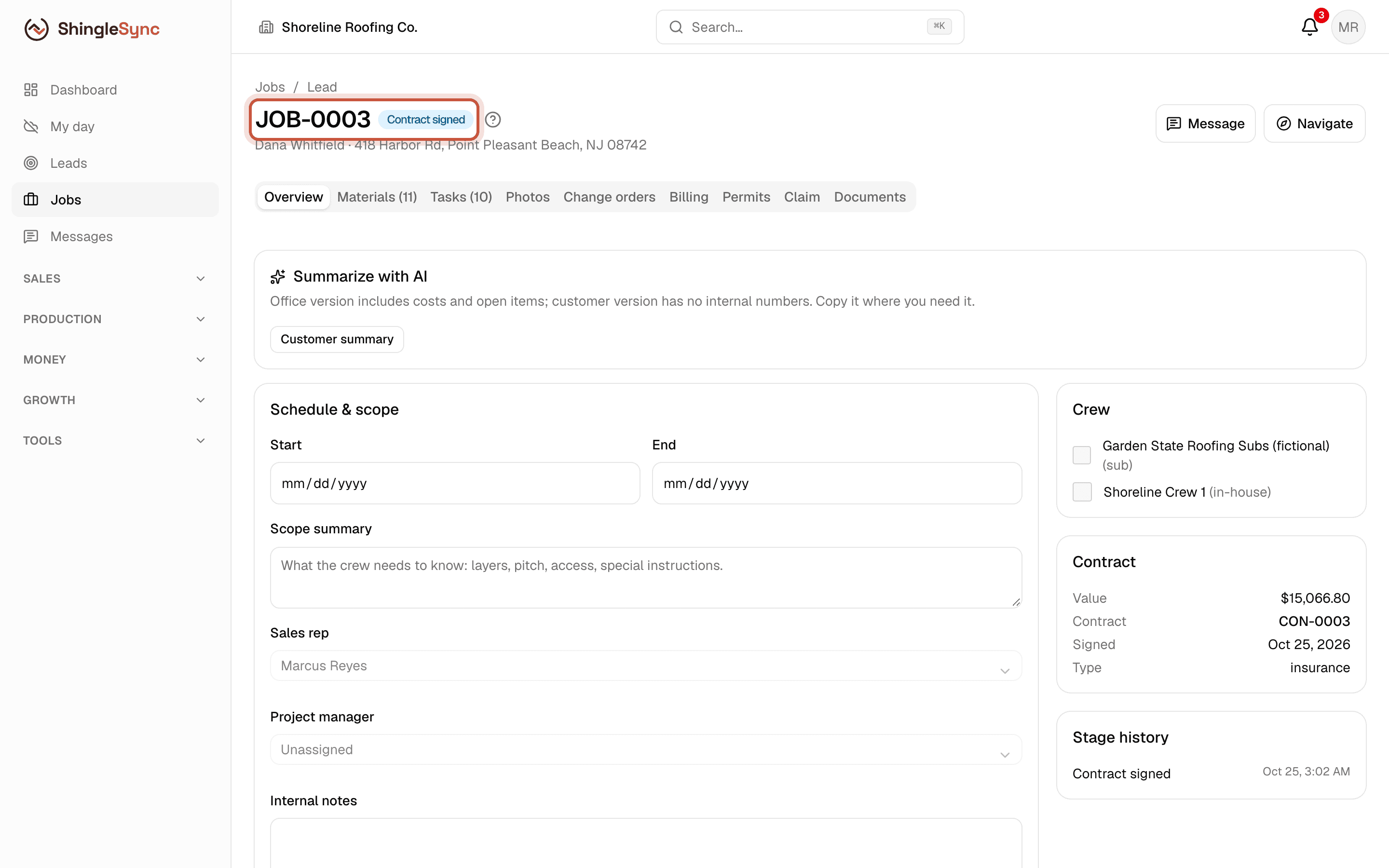
- Creates the job, with materials from the chosen option and your standard checklist.
- Moves the lead to Won.
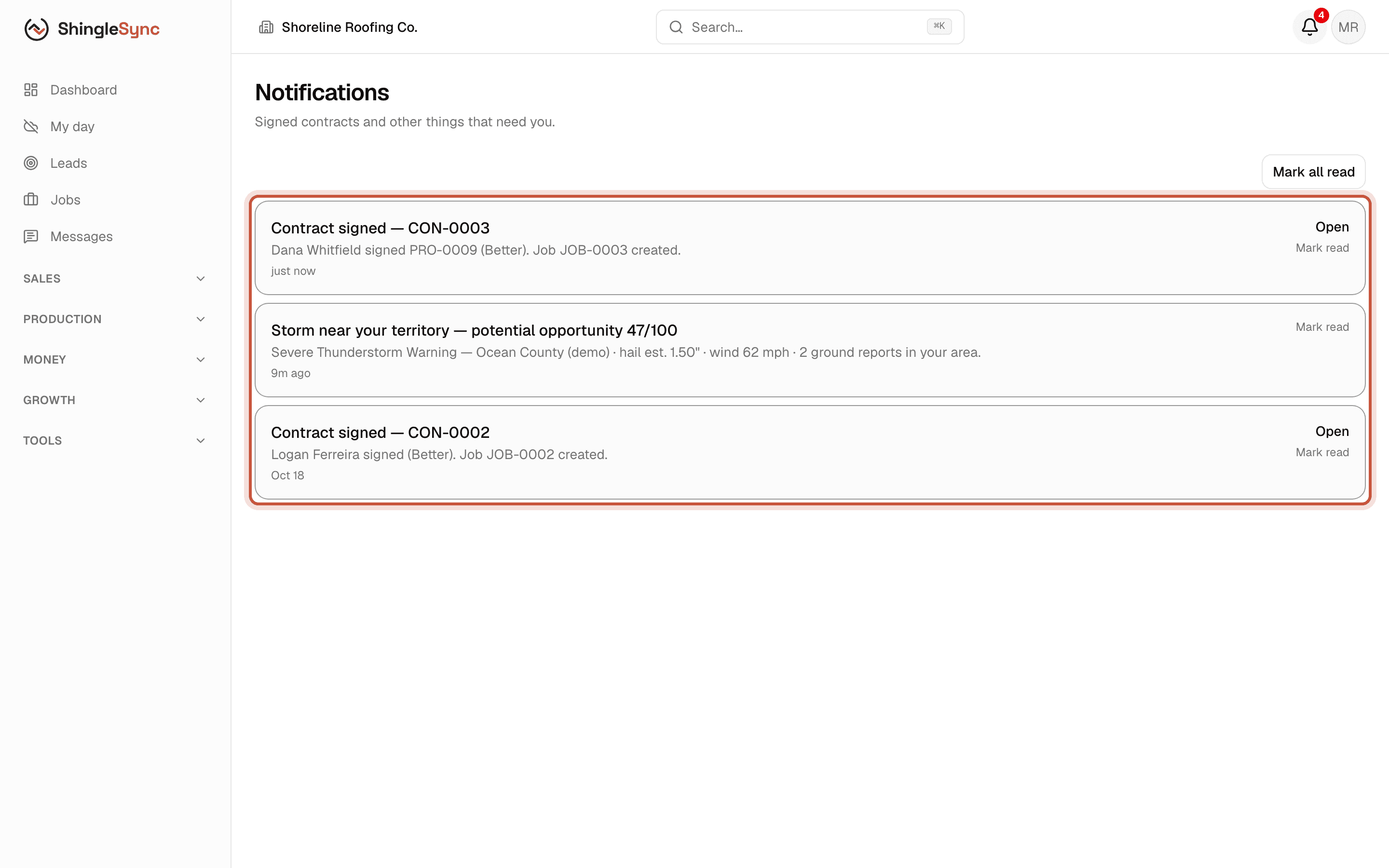
- Notifies the rep and the owners.
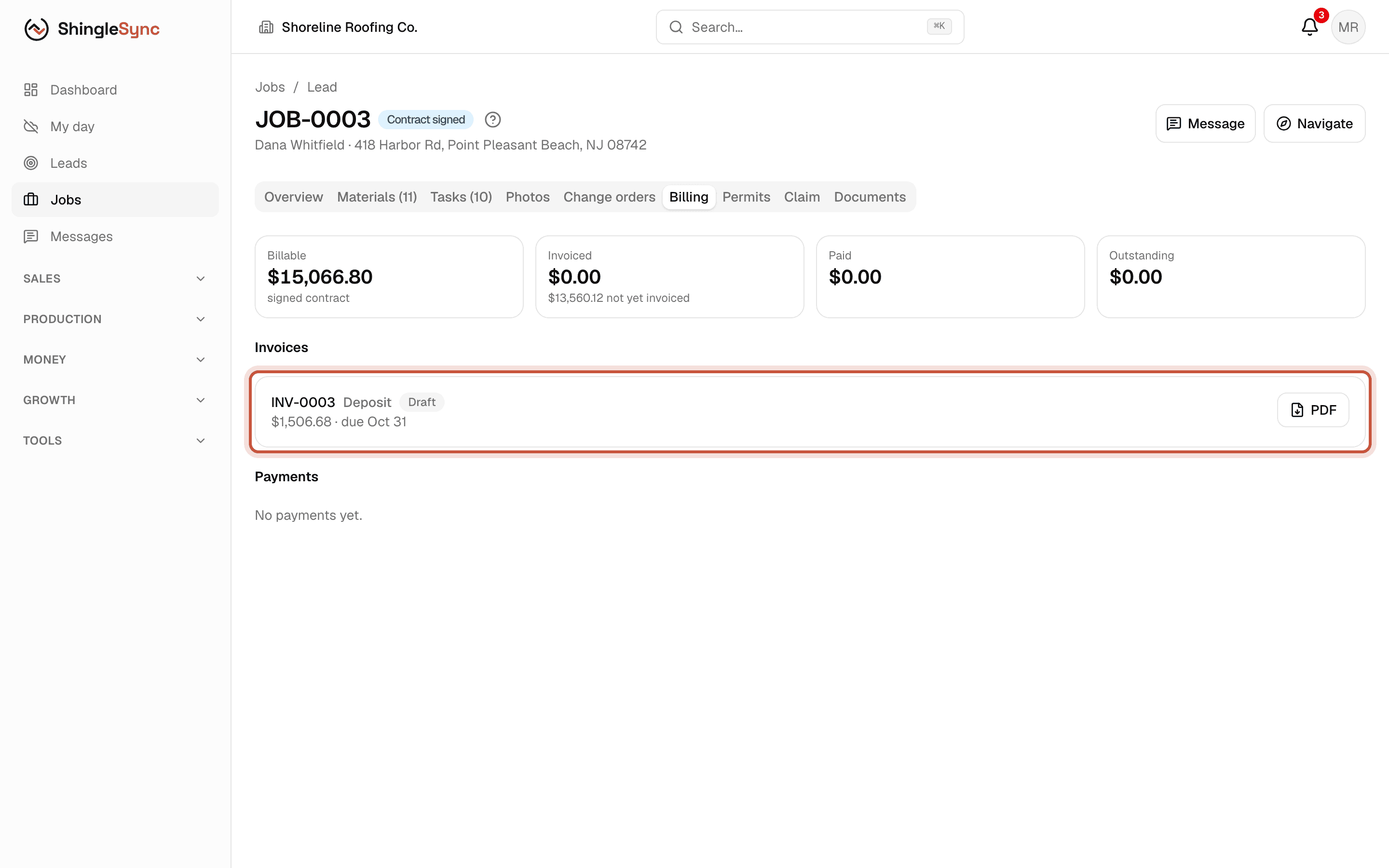
- Drafts the deposit invoice (if that's switched on in Settings → Payments).
The signed proposal and contract
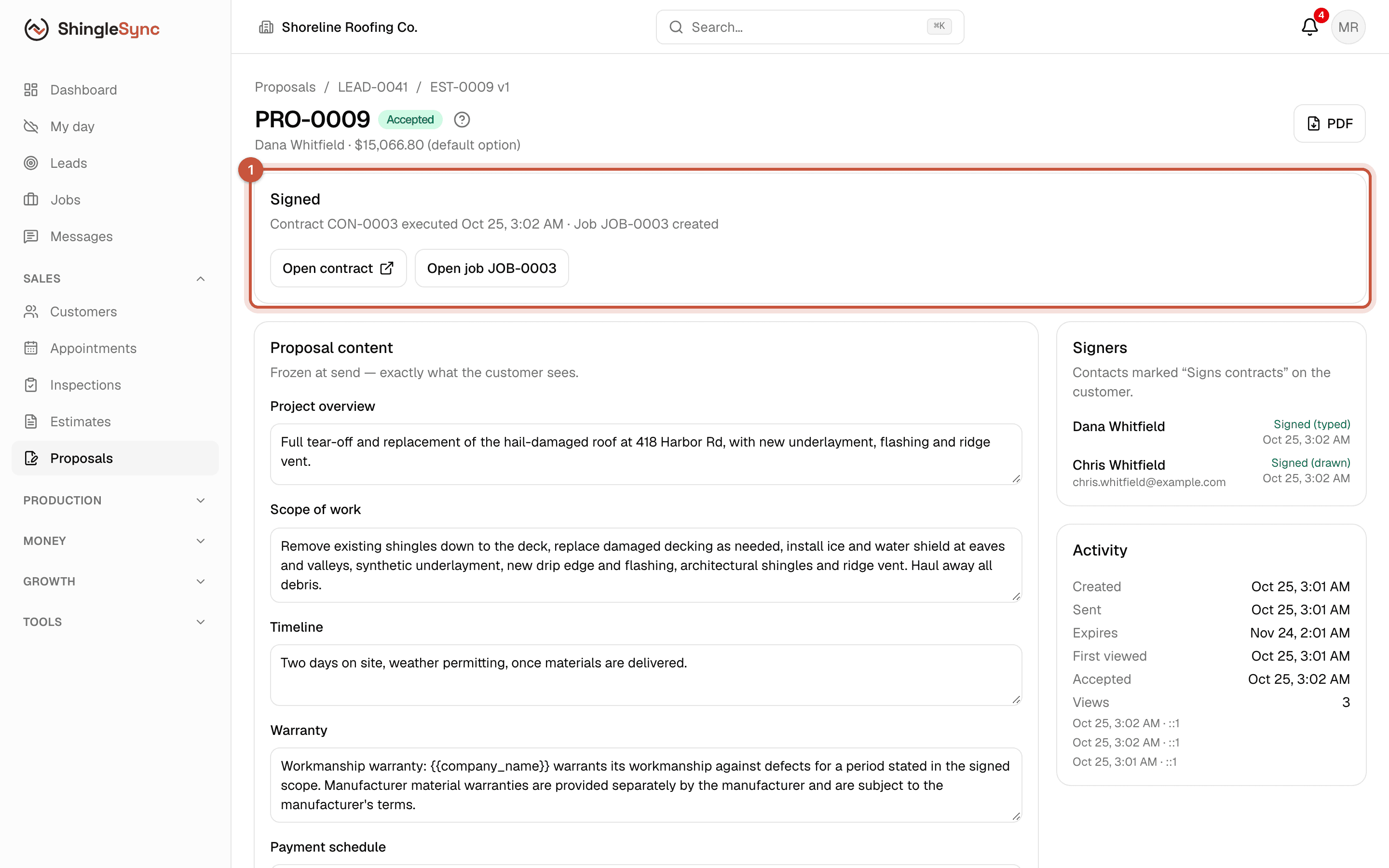
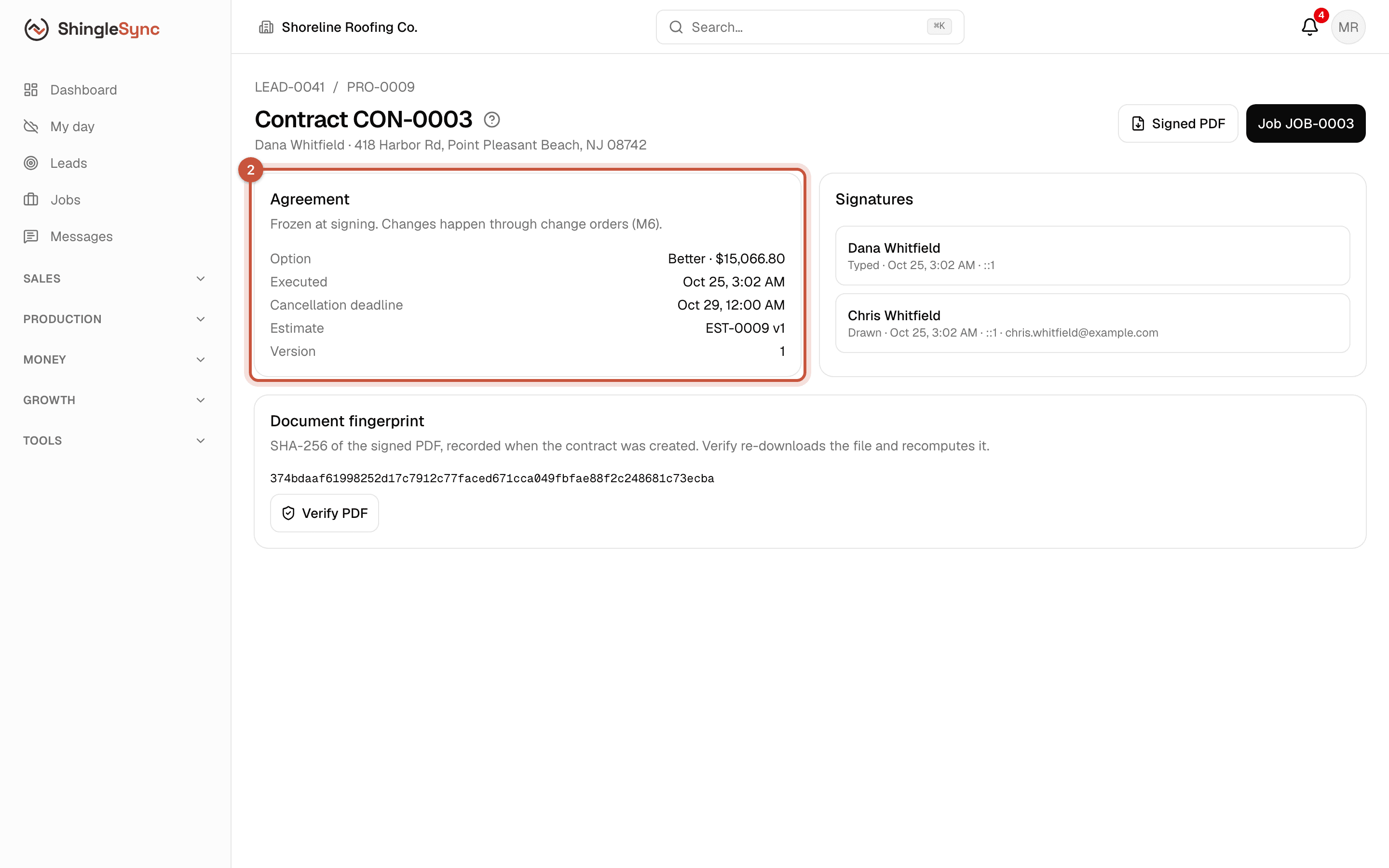
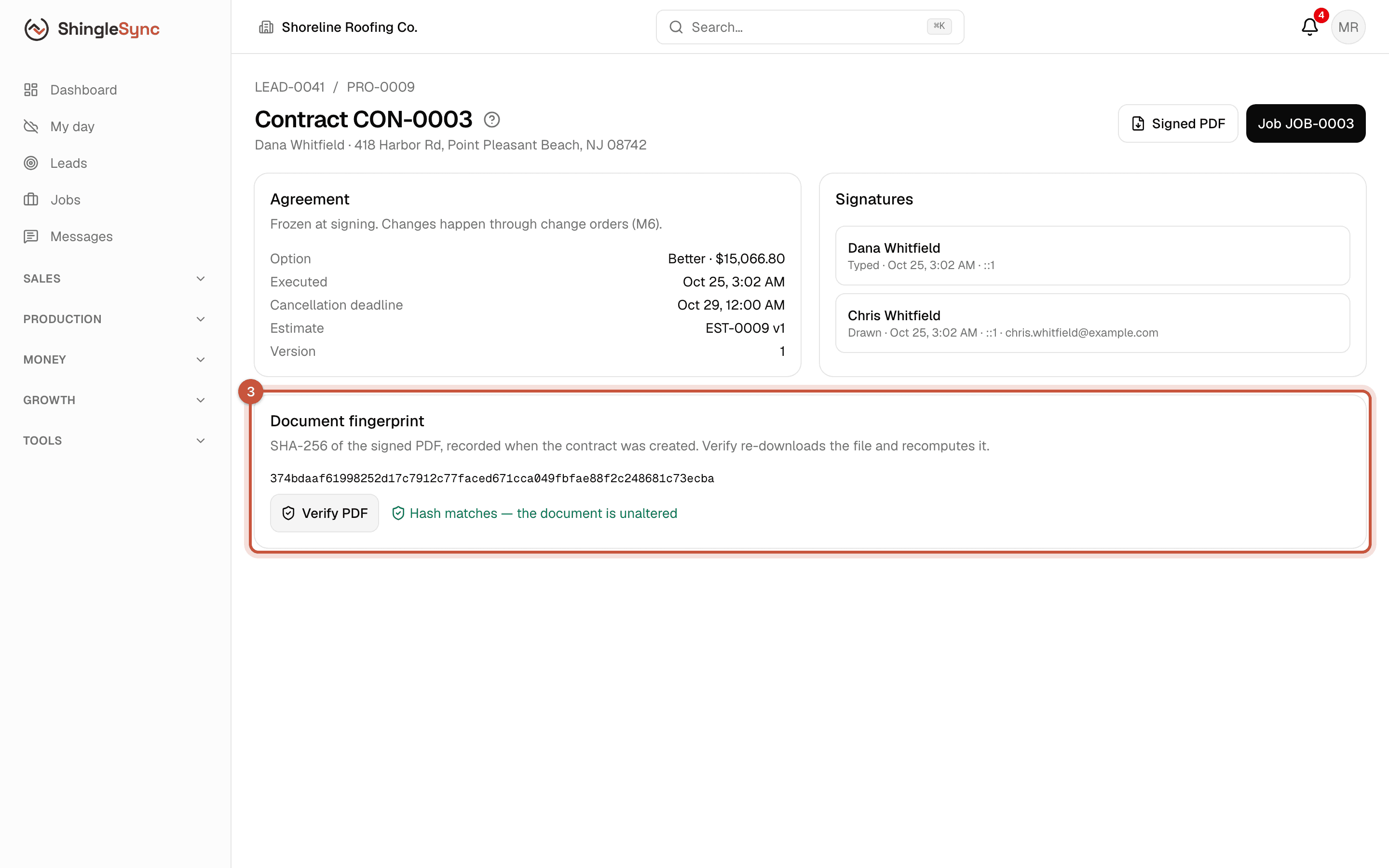
Signed documents never change. To change the work or the price after signing, use a change order (chapter 11). It's signed the same way and adds to the contract.
Won, notified, and a job to run
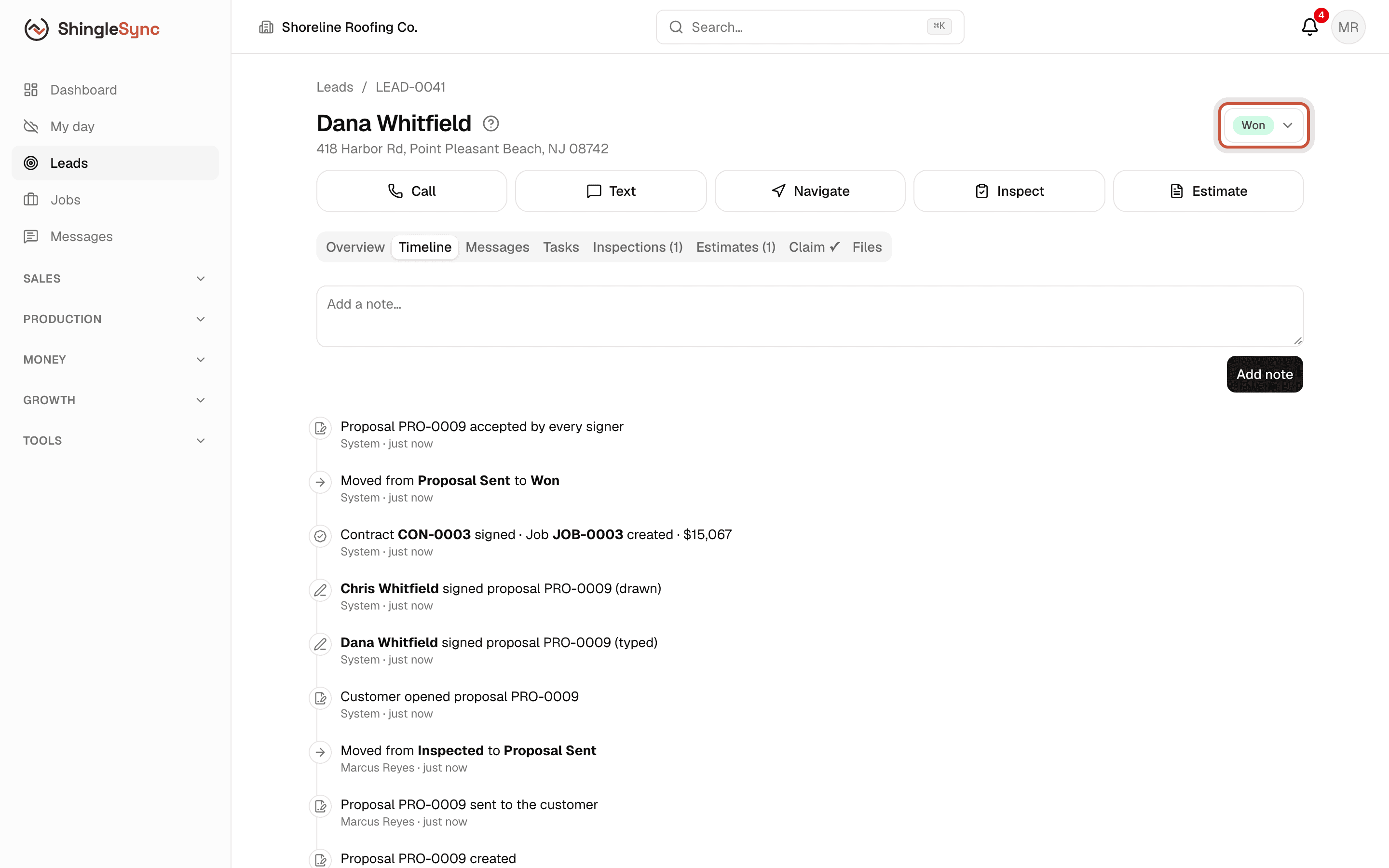
The contract shows the cancellation deadline from your notice of cancellation. If the homeowners may still cancel, consider waiting until it has passed before ordering materials. Your attorney can tell you what applies where you work.