Chapter 9
The homeowner signs
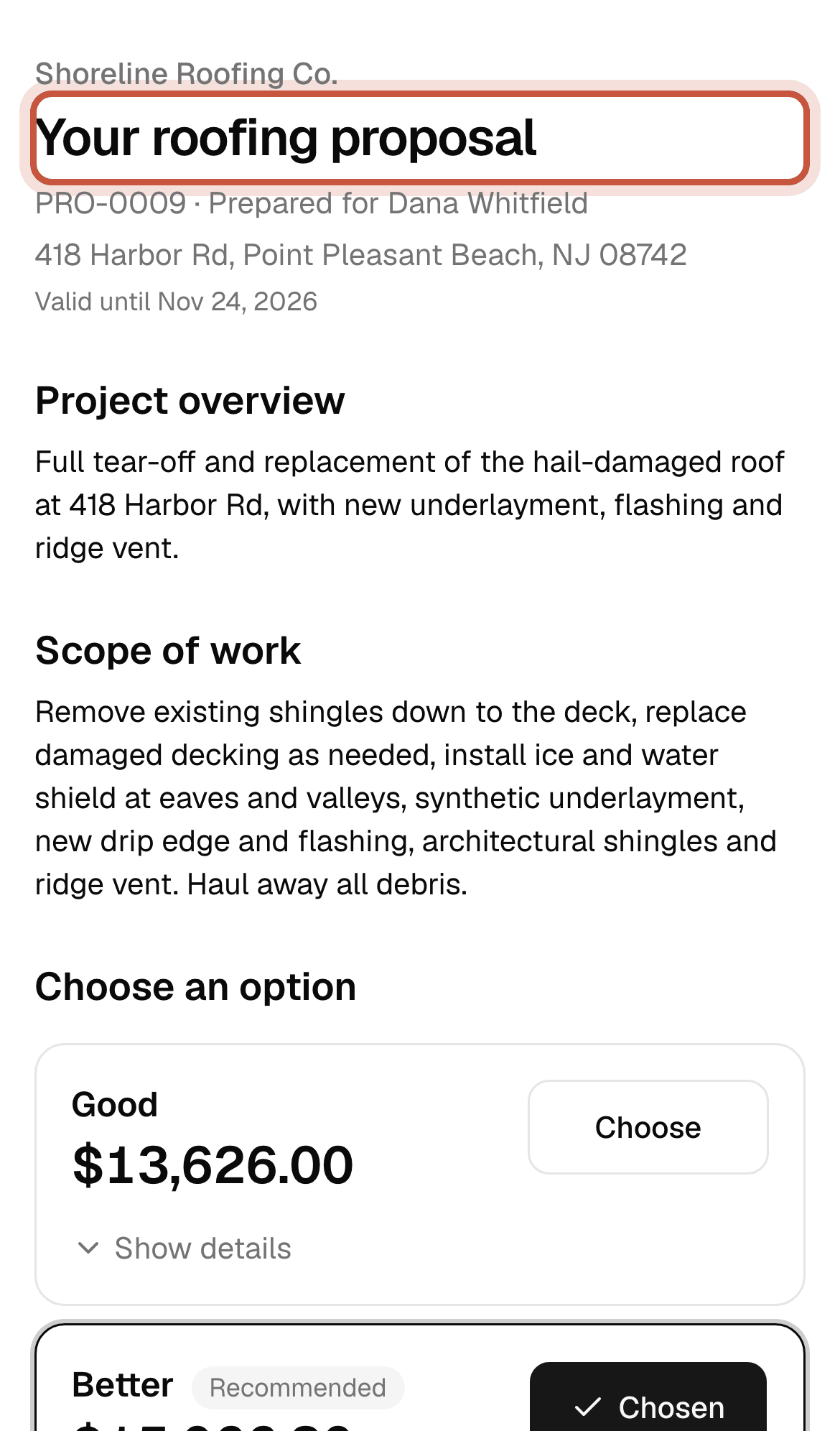
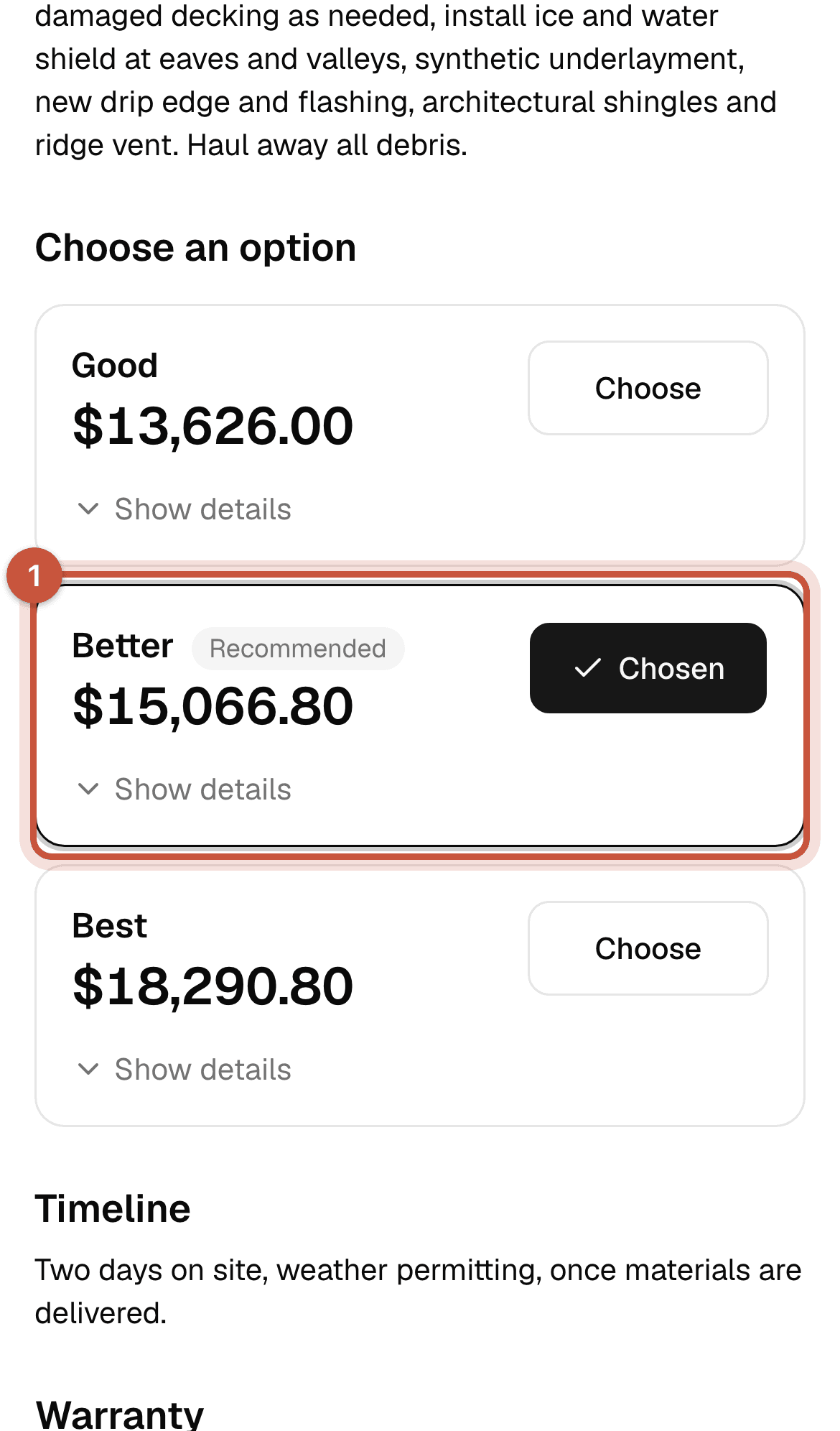
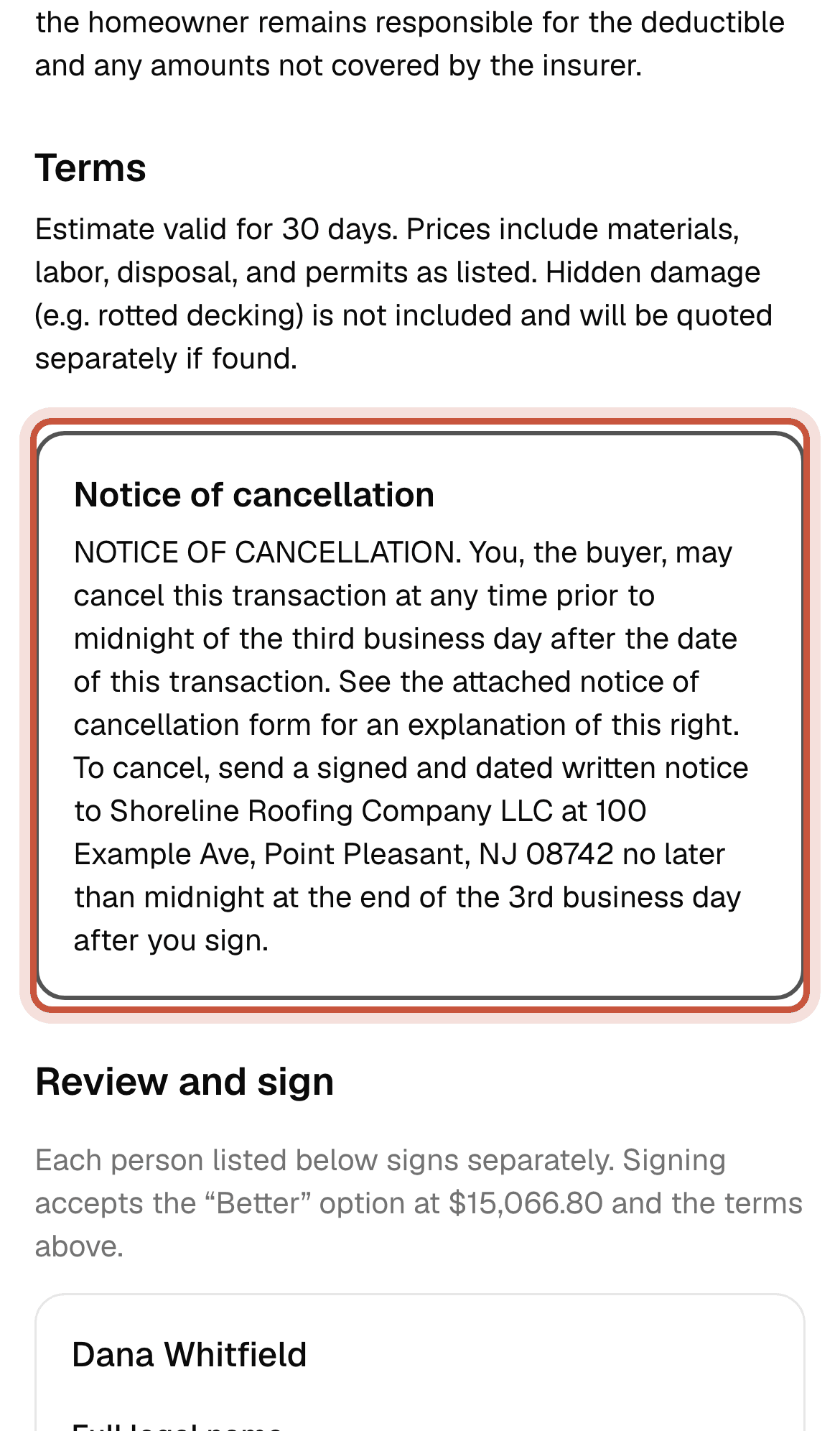
What the homeowner sees on their phone: choosing an option and signing, co-owners included.
Who: HomeownerPro and Storm plans
This is what the homeowner sees. It helps to know it, so you can walk them through it on the phone or at the kitchen table.
Read and choose an option
Both owners sign
Everyone marked as a signer signs in their own box: on the same phone one after the other, or each on their own phone with the same link.
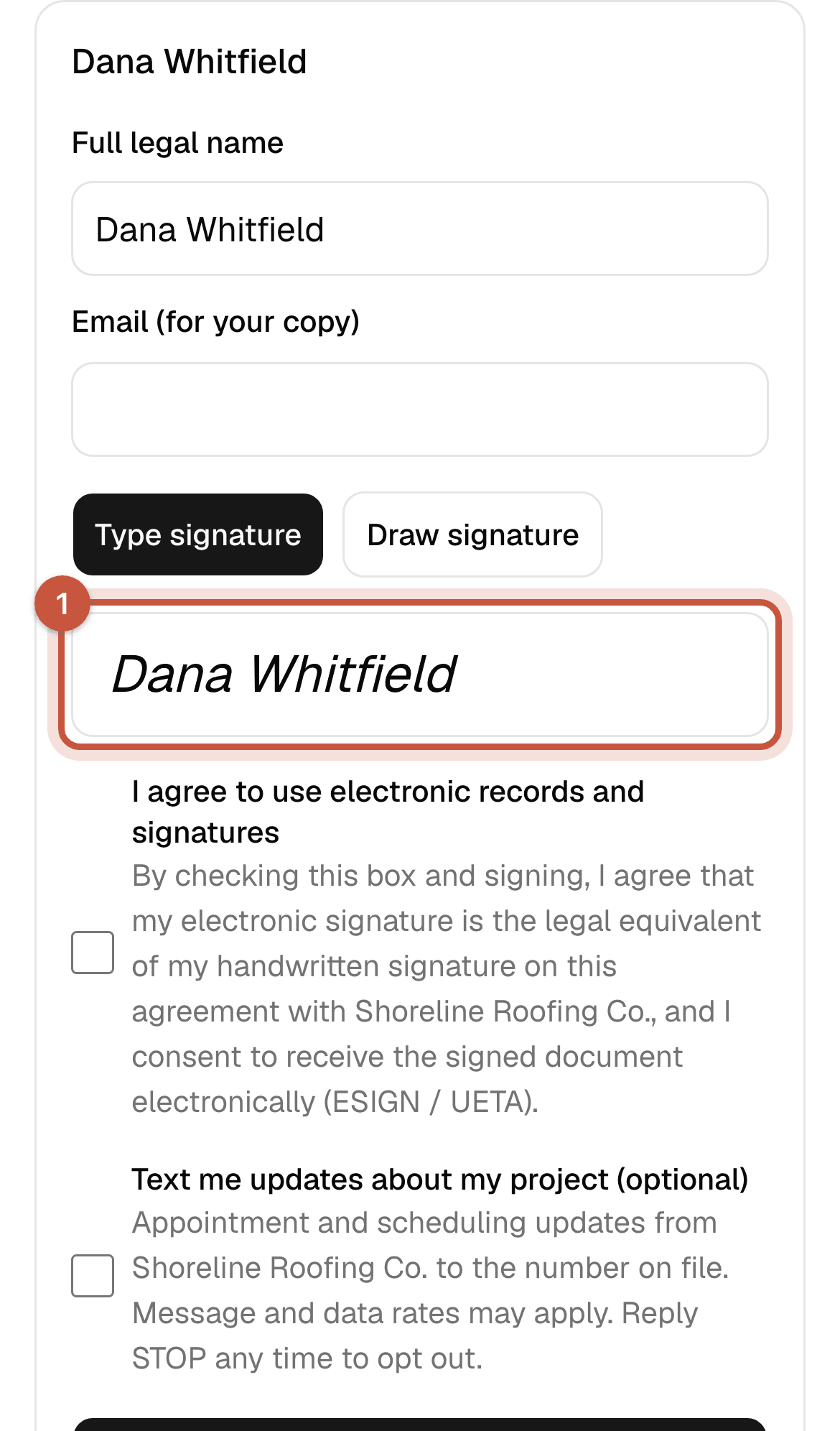
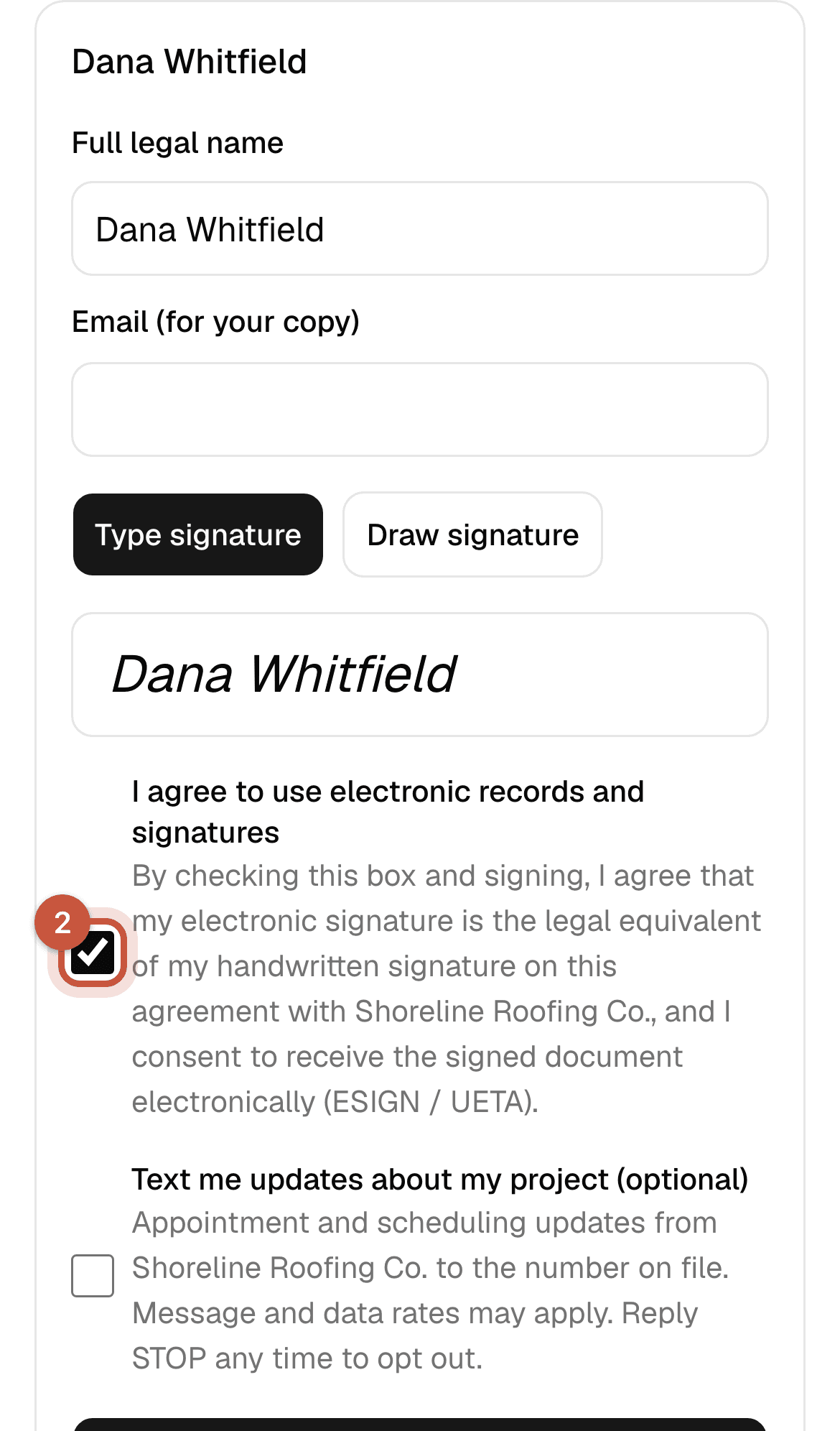
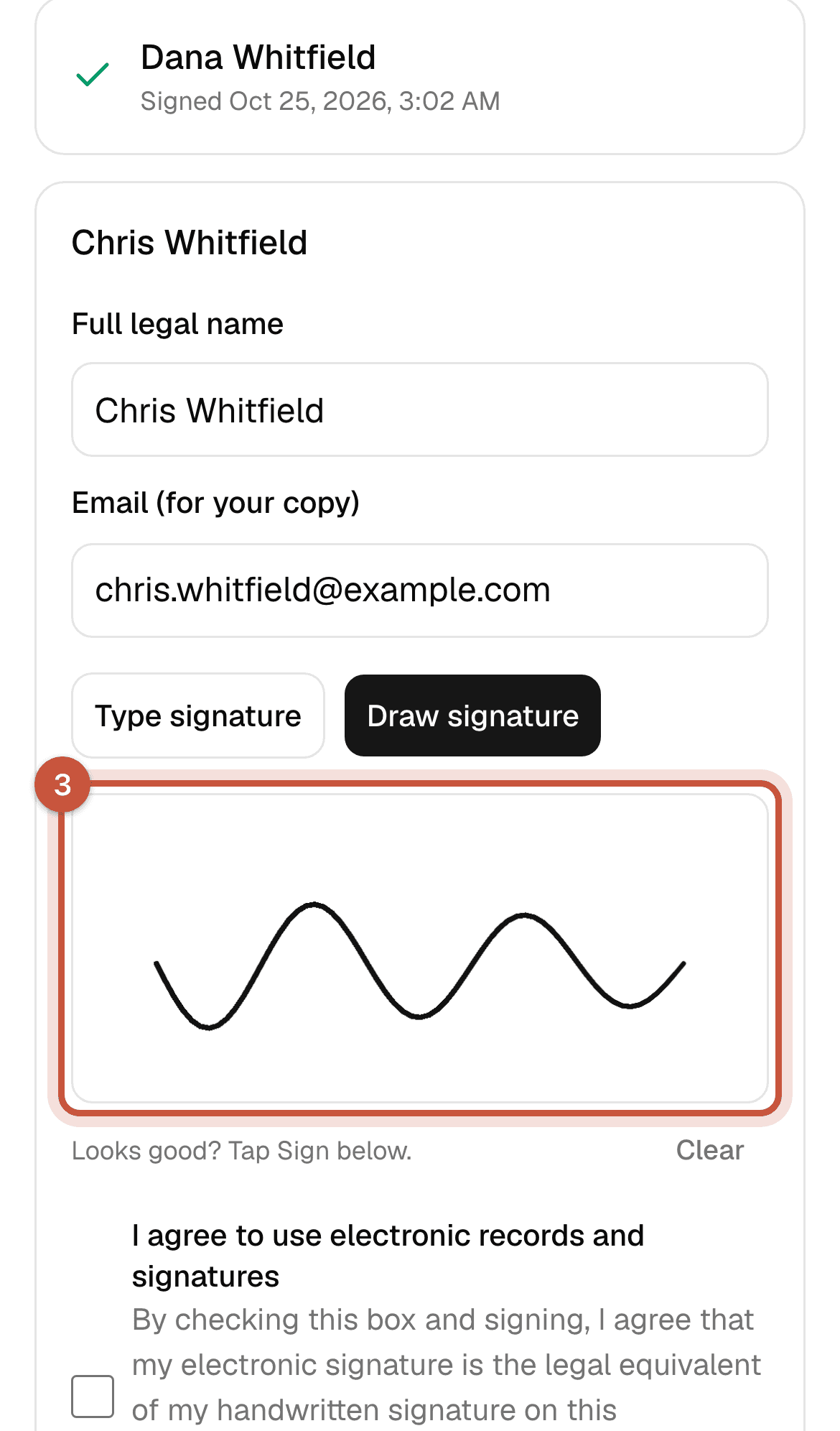
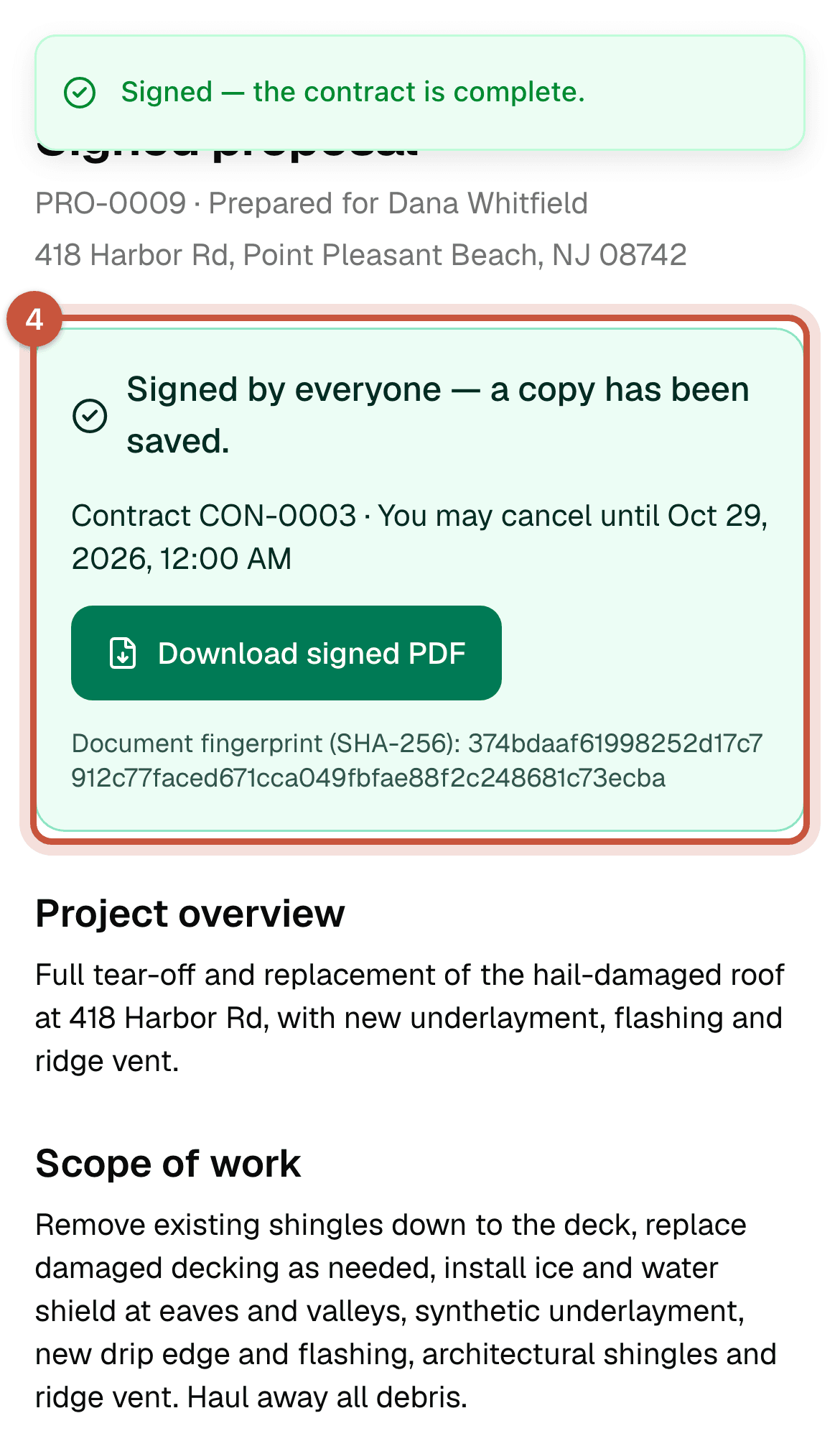
For each signature, ShingleSync records the name, email, method (typed or drawn), consent to sign electronically, the time, the IP address and the browser. These go on a signing certificate at the end of the signed PDF.
Once someone signs, the option is locked. If the homeowners change their minds, void the proposal and send a new one.