Chapter 7

Build the estimate

Good, Better and Best options from a template, with live totals and margin.

Who: Sales repOwnerAll plans

An estimate is built from a template and the roof's measurements. Each template line has a formula, for example shingle bundles from squares and waste, so the quantities fill themselves in. You then adjust whatever needs it.

Templates can have options. Here the rep offers Good, Better and Best, so the homeowner can choose. For an insurance job you can also start from a template with a single option that follows the carrier's scope. Owners and admins manage templates and the price book in Settings.

Start from a template
Start from a template · 9 s, no soundWho: Sales rep
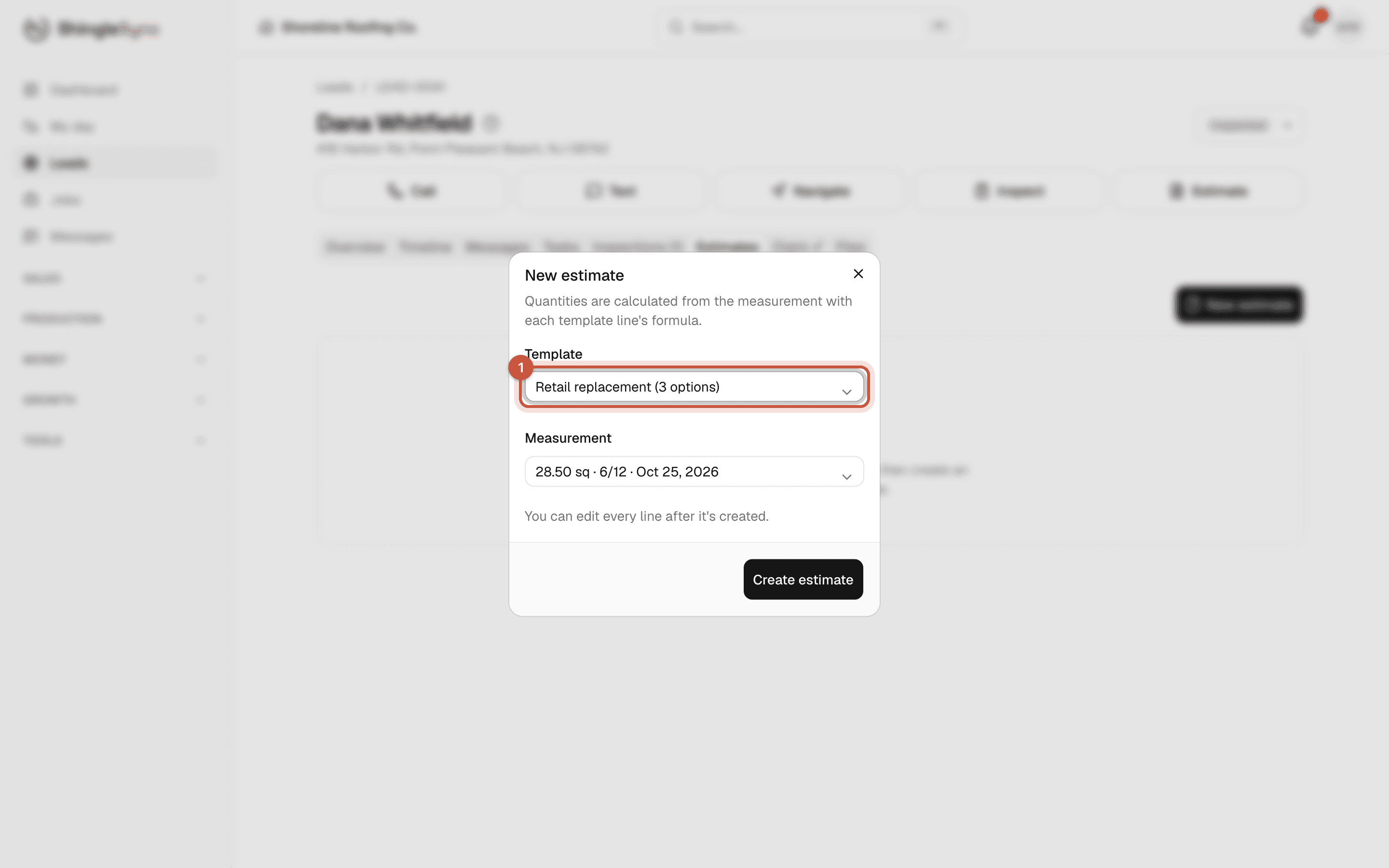
New estimate dialog with the Retail replacement template and the 28.50 square measurement
1Click New estimate and pick a template. Quantities come from the latest measurement through each line's formula.
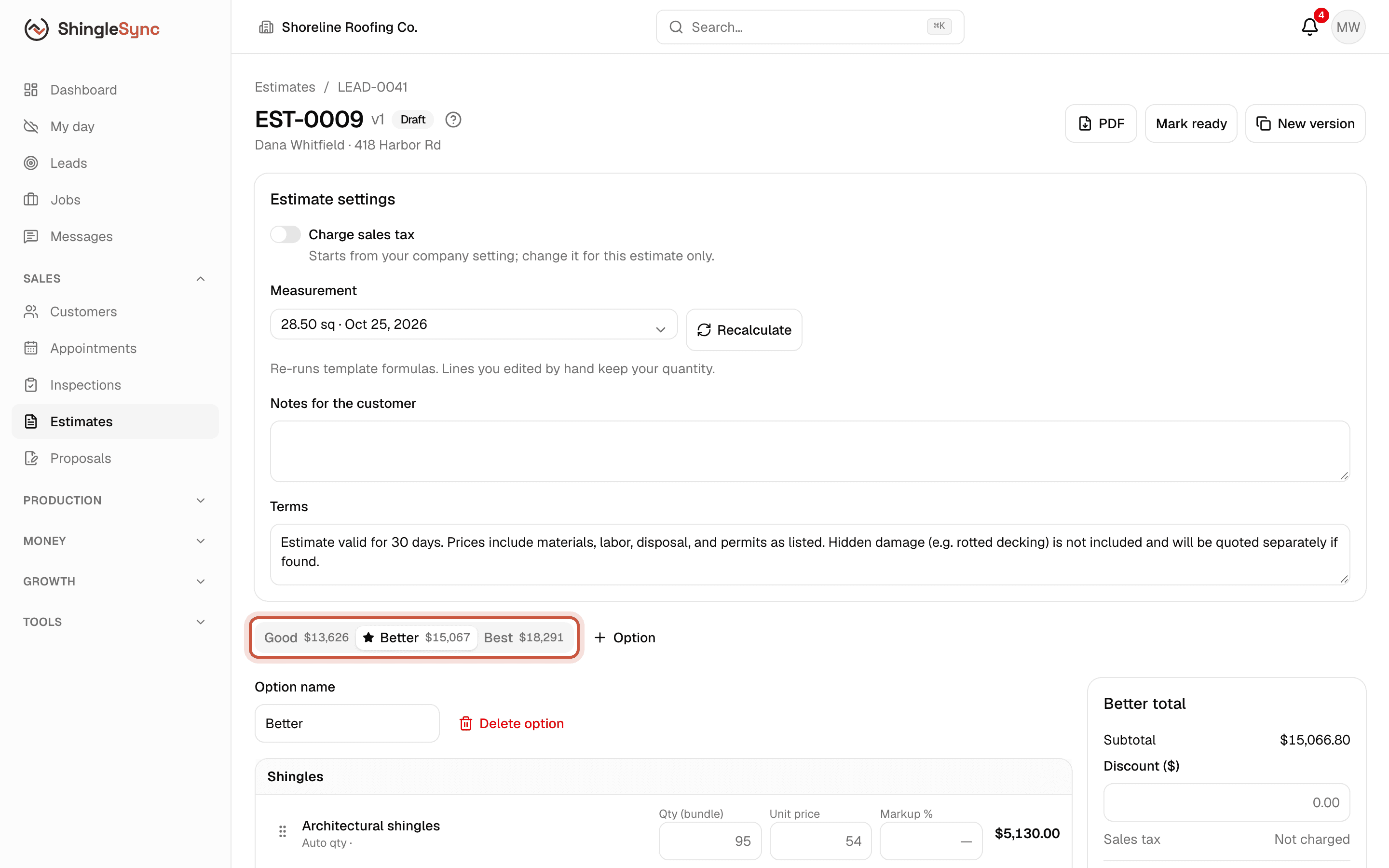
Estimate builder with the Good, Better and Best tabs
Good, Better and Best are tabs, each with its total. The star marks the option shown first to the homeowner.

Adjust the lines

Adjust the lines · 15 s, no soundWho: Sales repOwner
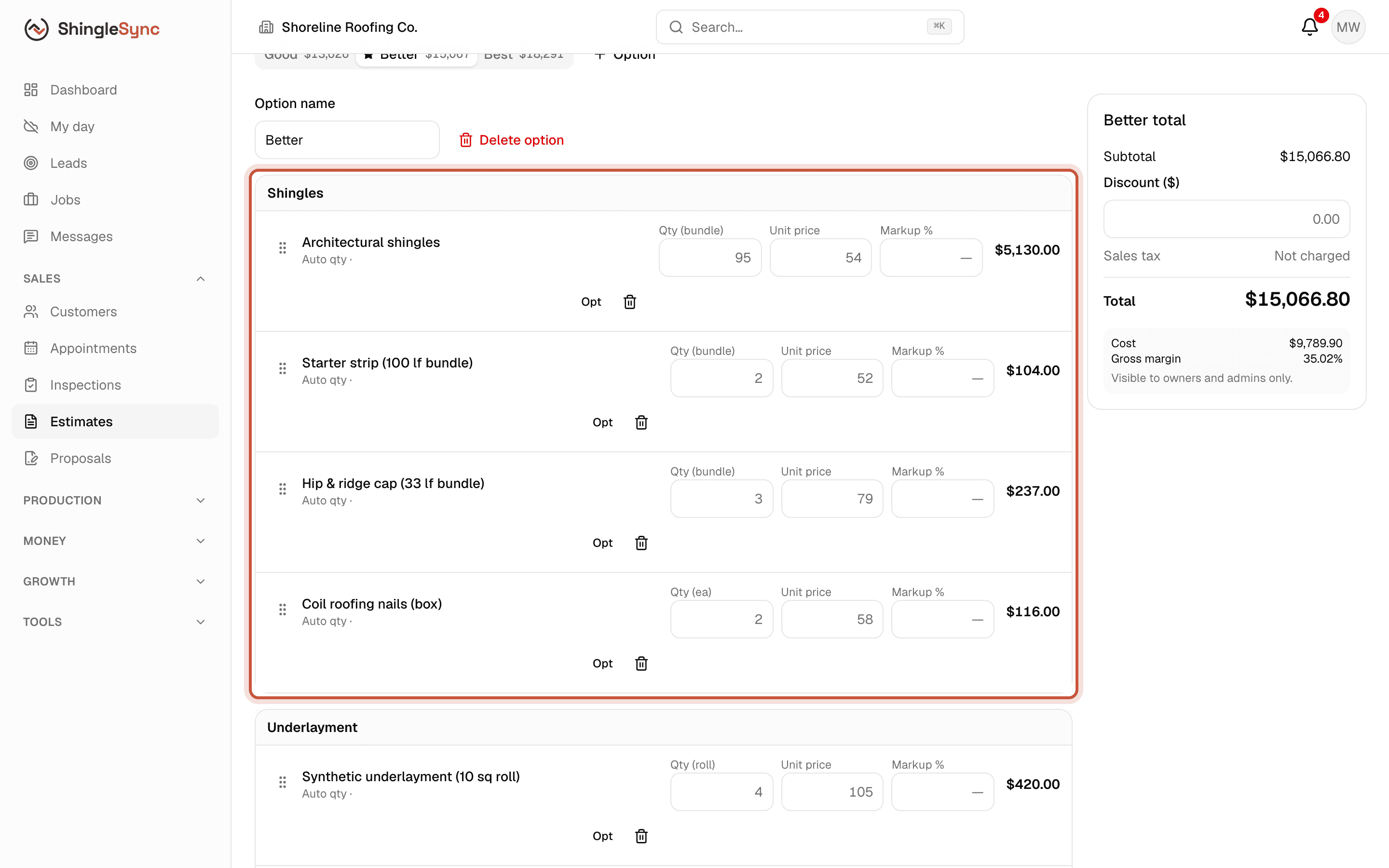
Better option line items grouped by section with quantity, unit price, markup and line total
Lines are grouped by section. Change a quantity, price or markup and the totals update as you go.
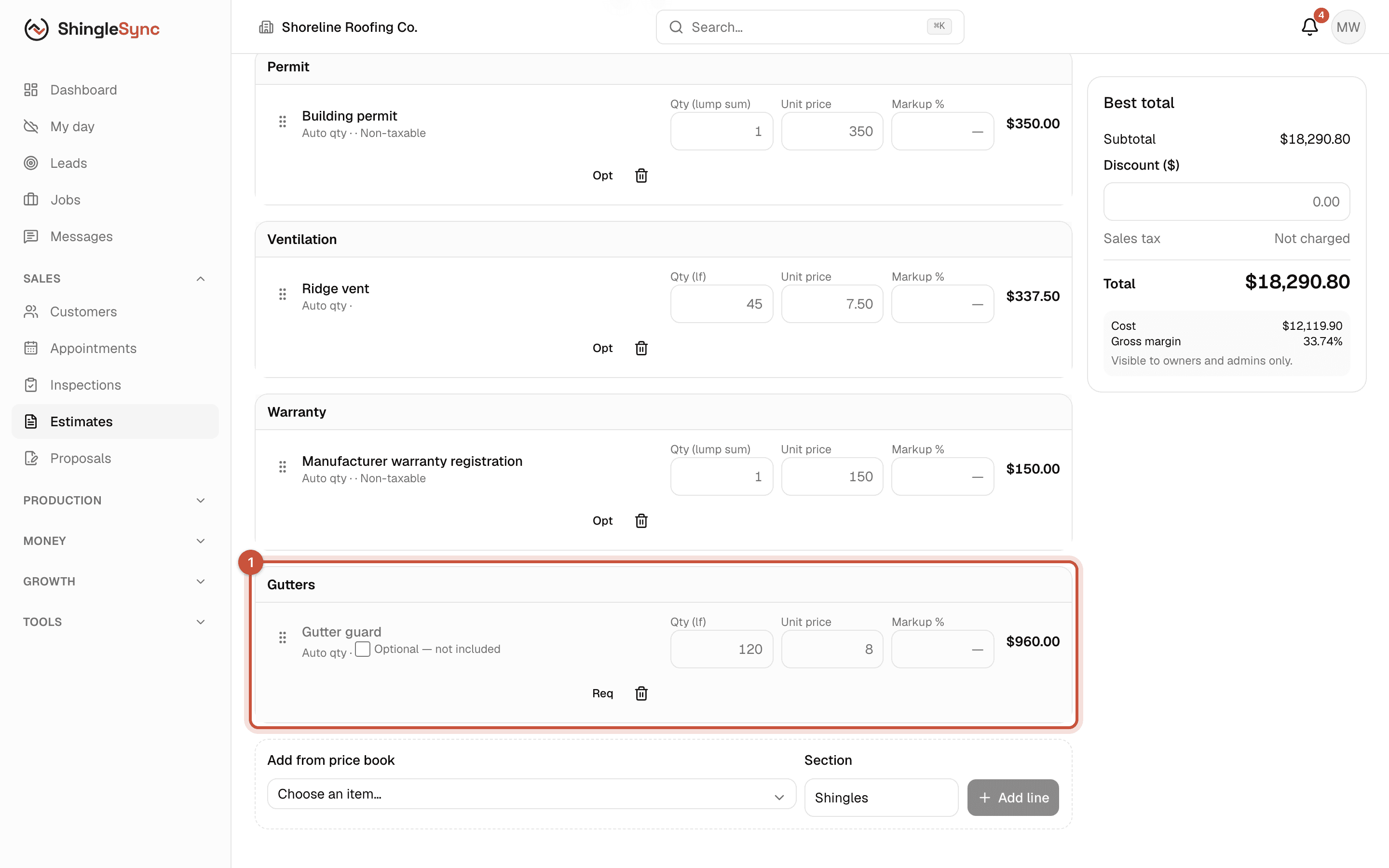
Best option with the optional gutter guard line highlighted
1Optional lines, like gutter guards here, are offered to the homeowner but not counted until included.
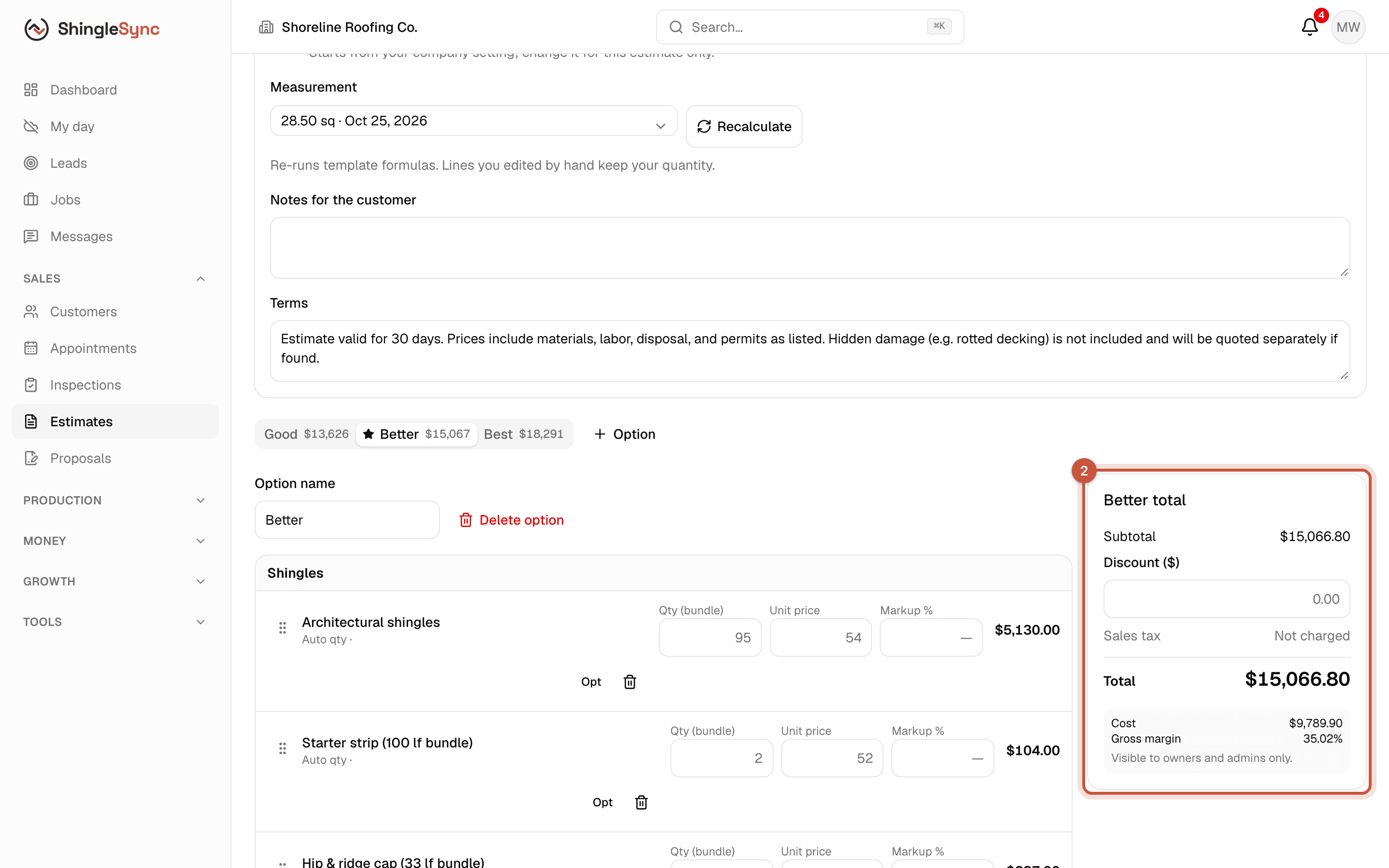
Better total card with subtotal, discount, sales tax, total, cost and gross margin
2Each option's total shows the subtotal, any discount, sales tax and the total. Owners and admins also see cost and gross margin.
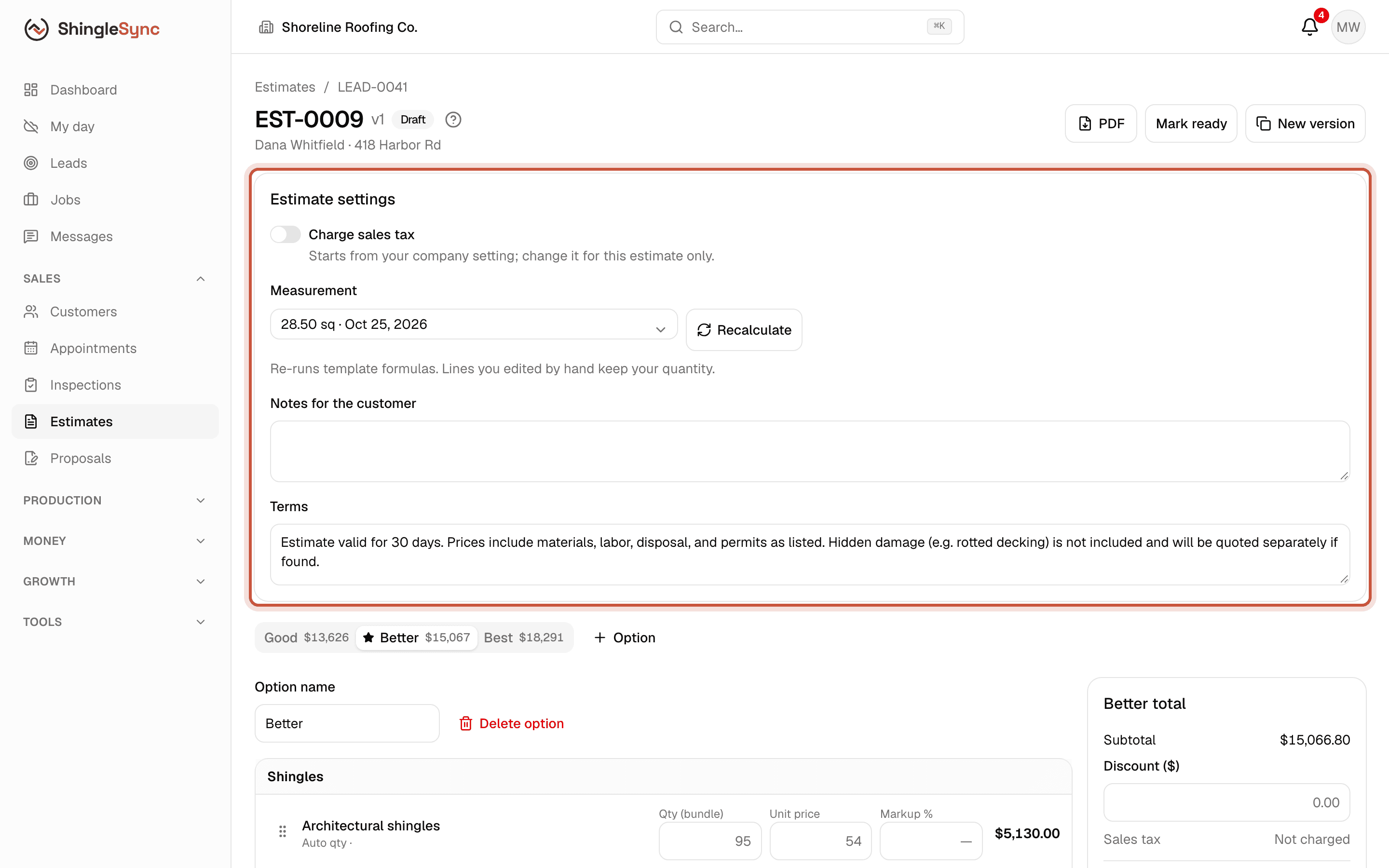
Estimate settings with the Charge sales tax switch
Sales tax starts from your company setting. You can turn it on or off for a single estimate when that job is taxed differently.
Who sees what: sales reps can change quantities and add lines from the price book. Changing prices and markup, and seeing cost and margin, is for owners and admins.

If you change the measurement later, Recalculate re-runs the formulas. Lines you've edited by hand keep your quantity.

Mark it ready
Mark it ready · 5 s, no soundWho: Sales rep
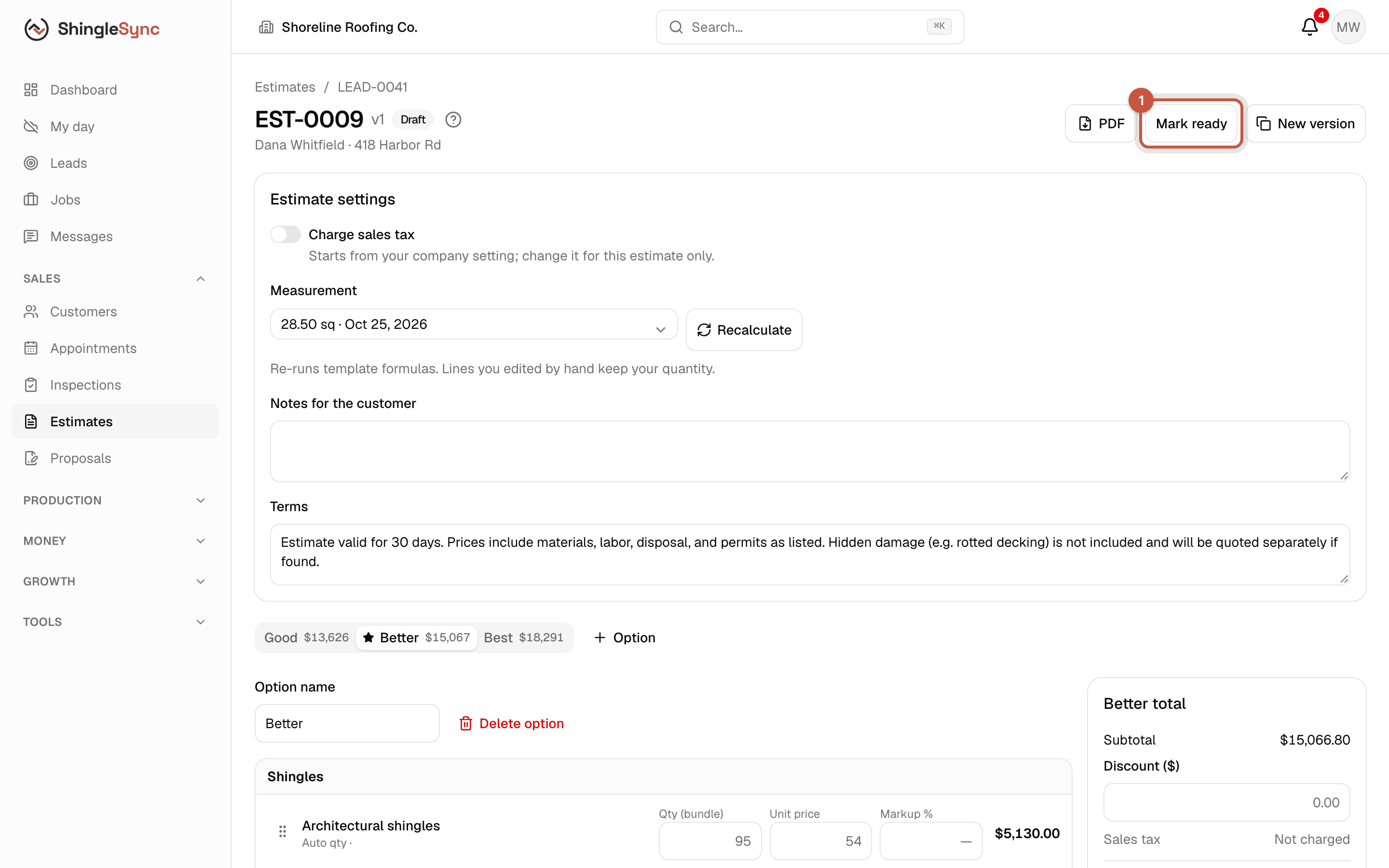
Estimate header with the Mark ready button
1When it's right, click Mark ready. Then you can make a proposal from it, or download the estimate PDF.
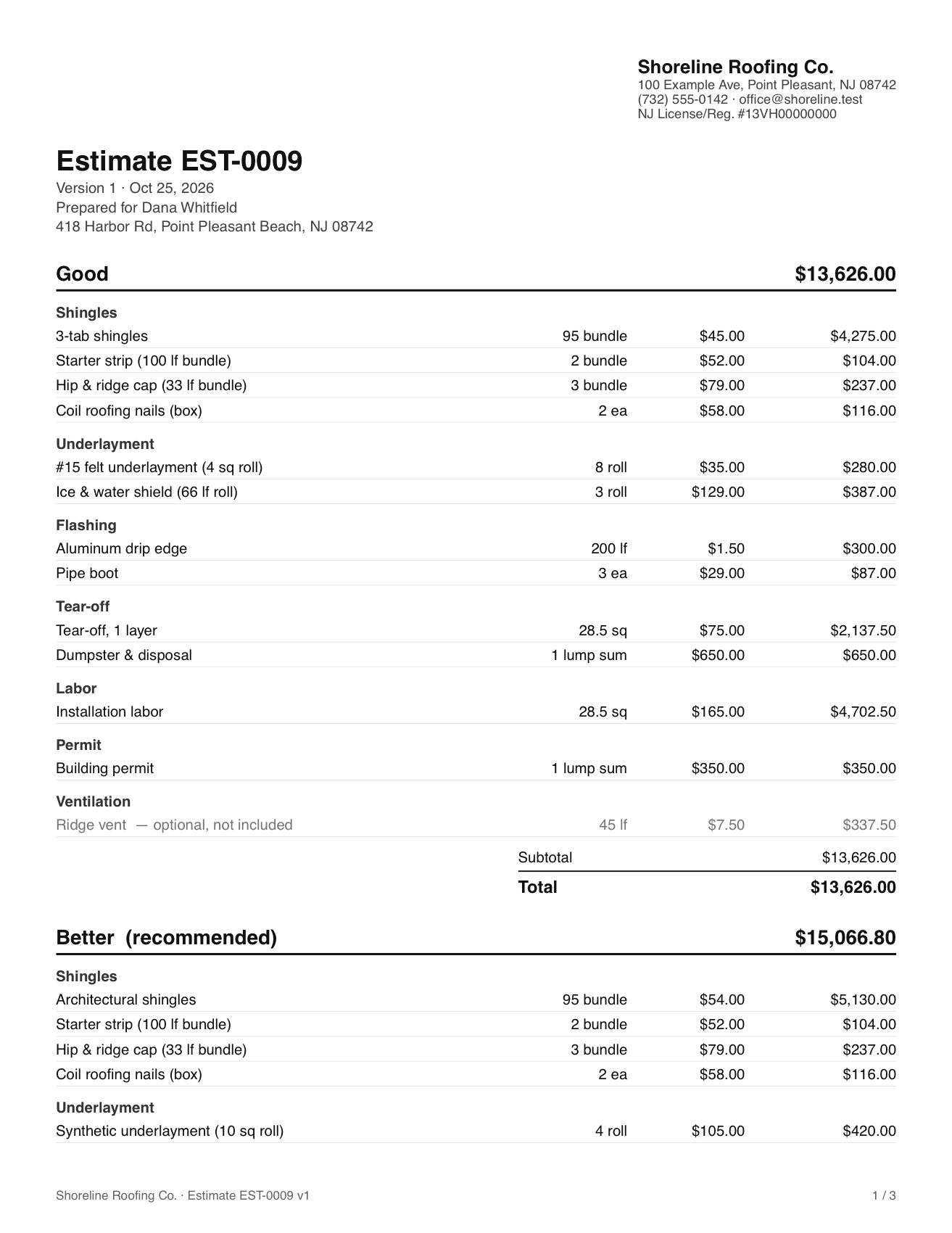
First page of the estimate PDF
The estimate PDF, with your branding and every option.

Once a proposal has been sent from an estimate, the estimate is locked. To change it, make a New version; the old one is kept as superseded.