Chapter 2
Customer, contacts and property
Co-owners and signers, recording consent to text and email, and where property data comes from.
Who: Sales repOfficeAll plans
Behind every lead are three records:
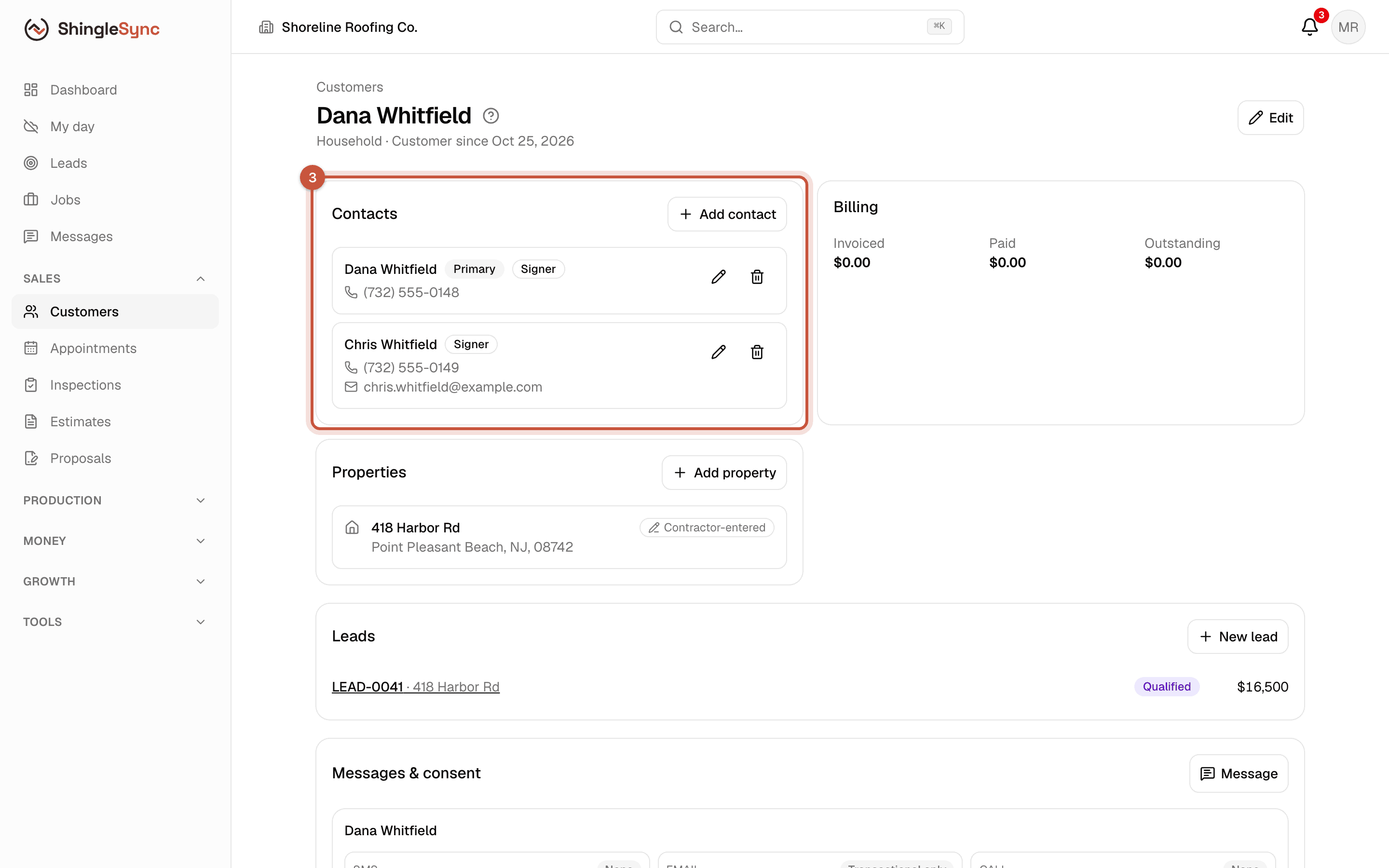
- The customer is the household or company: the Whitfields.
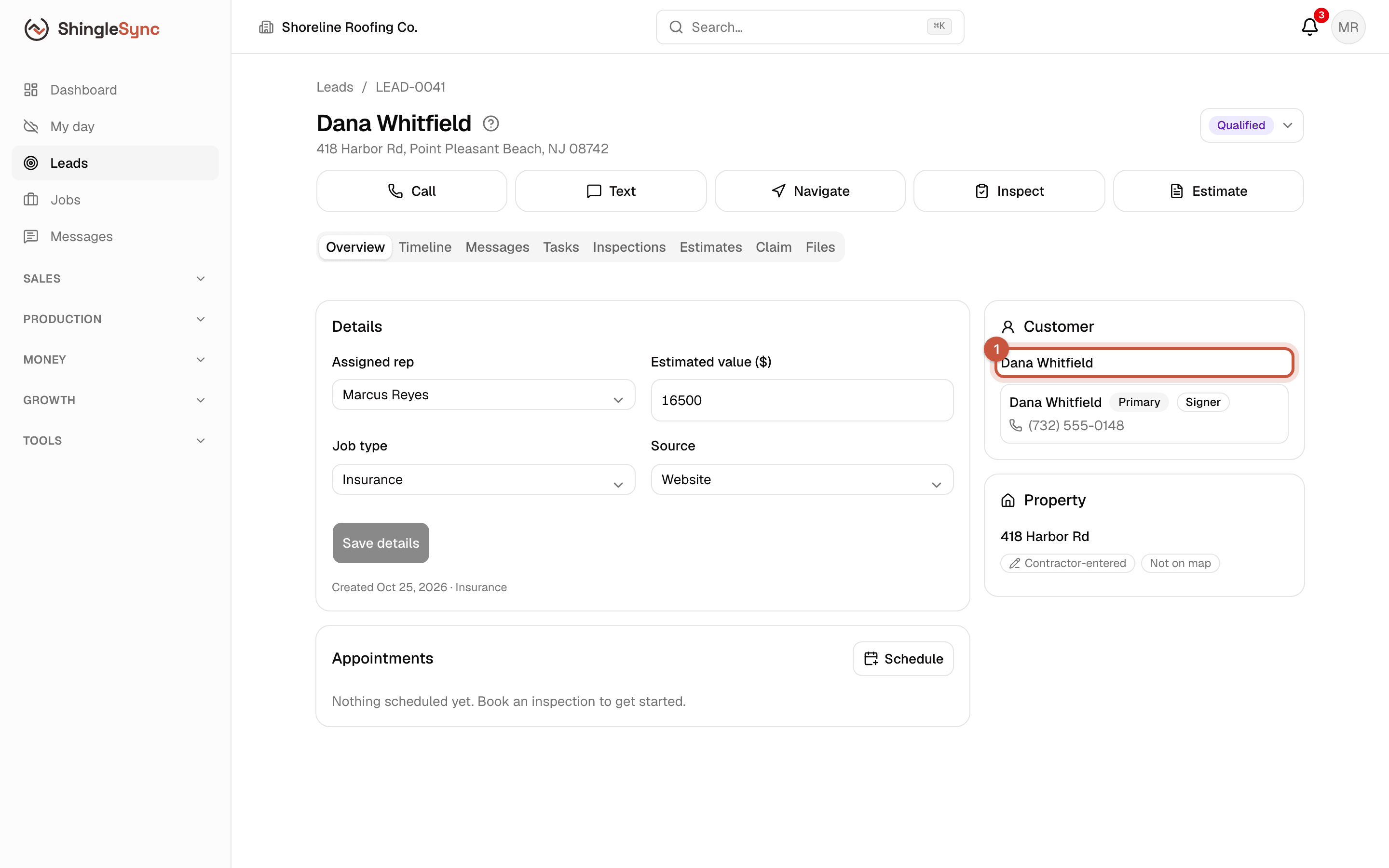
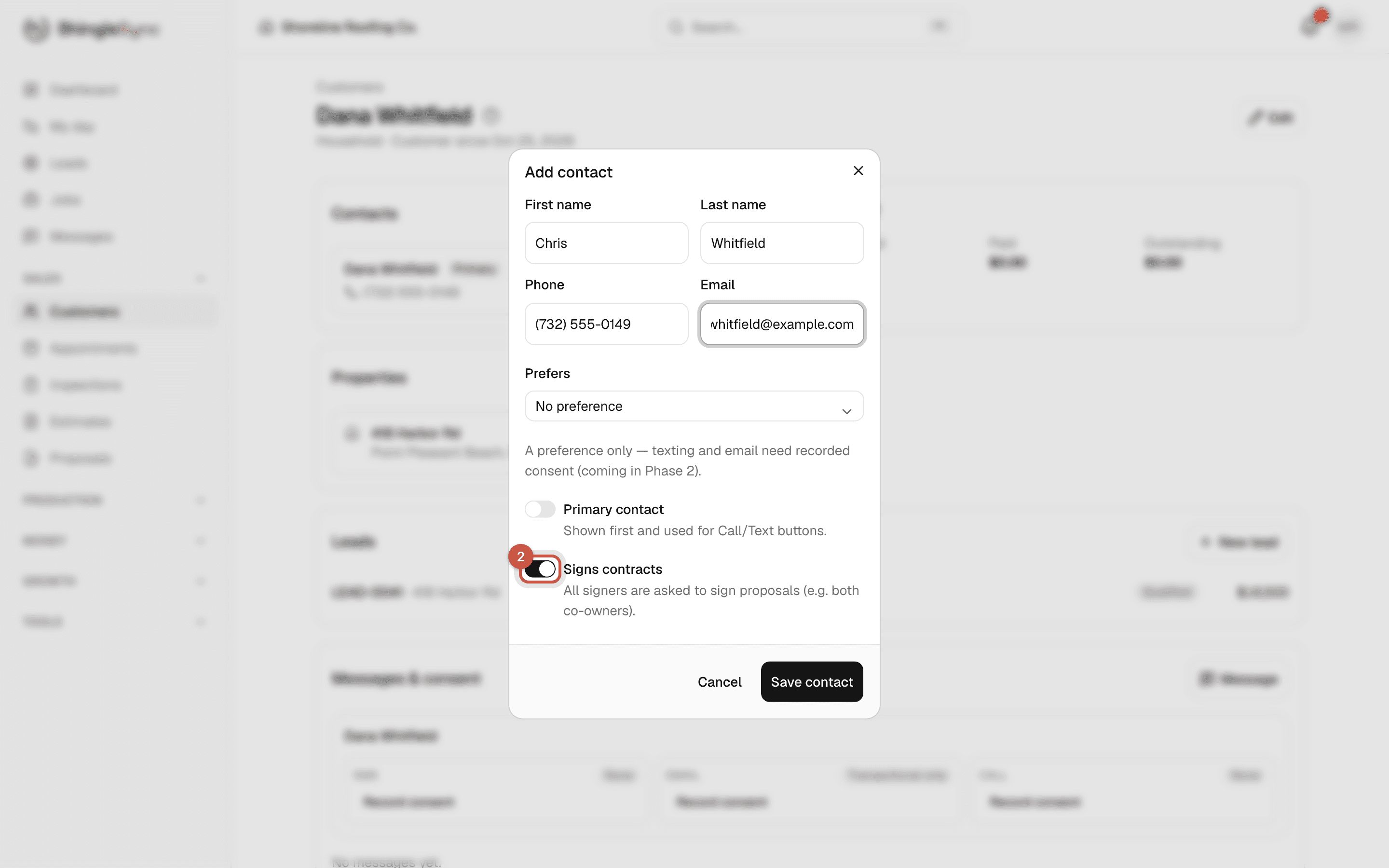
- Contacts are the people on it: Dana and Chris, each with their own phone and email.
- The property is the house: 418 Harbor Rd, with its roof details, measurements and history.
A customer can have several contacts and several properties, and a property keeps its history from job to job.
Add the co-owner
Both Whitfields own the house, so both need to sign the contract. Add Chris as a second contact.
Record consent to text and email
ShingleSync won't send a text or email to a contact until you've recorded their consent for that channel. Record it when they agree, with the details: who agreed, when, and what was said or signed. If they ask you to stop, Opt out applies straight away, everywhere in your company.
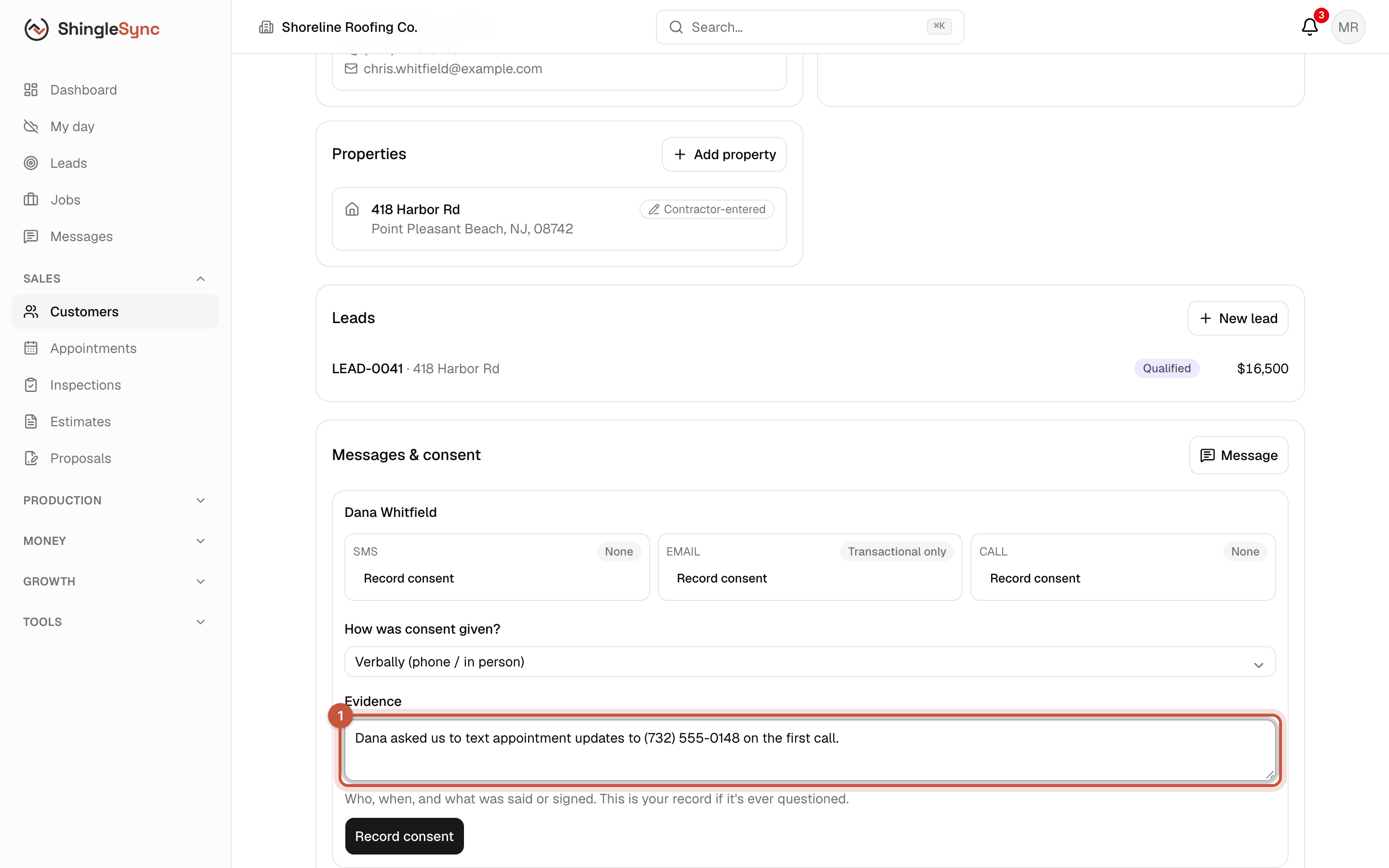
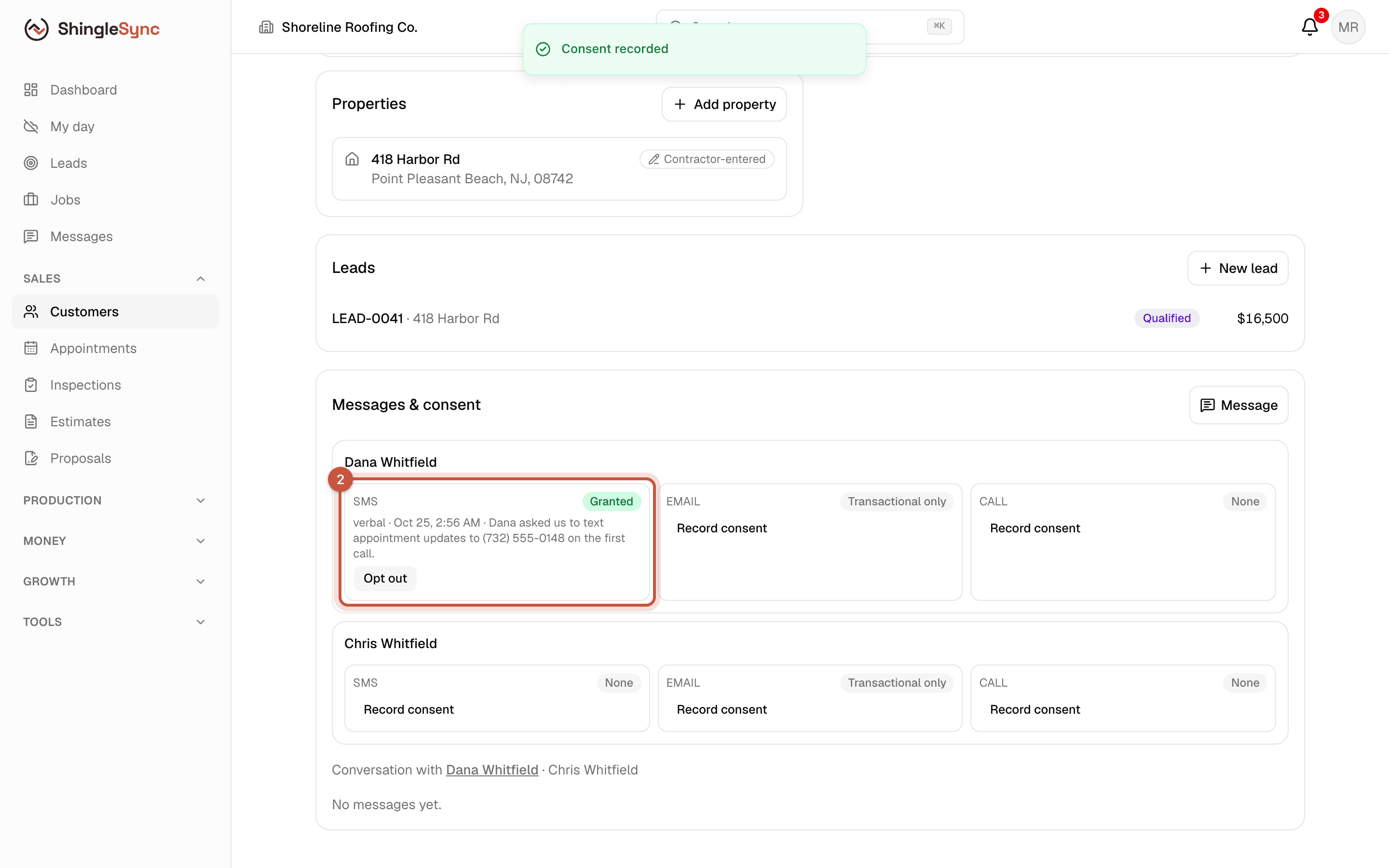
The Text button on a lead opens your phone's own messaging app. Texts and emails sent from ShingleSync are the ones that need consent recorded here.
The property
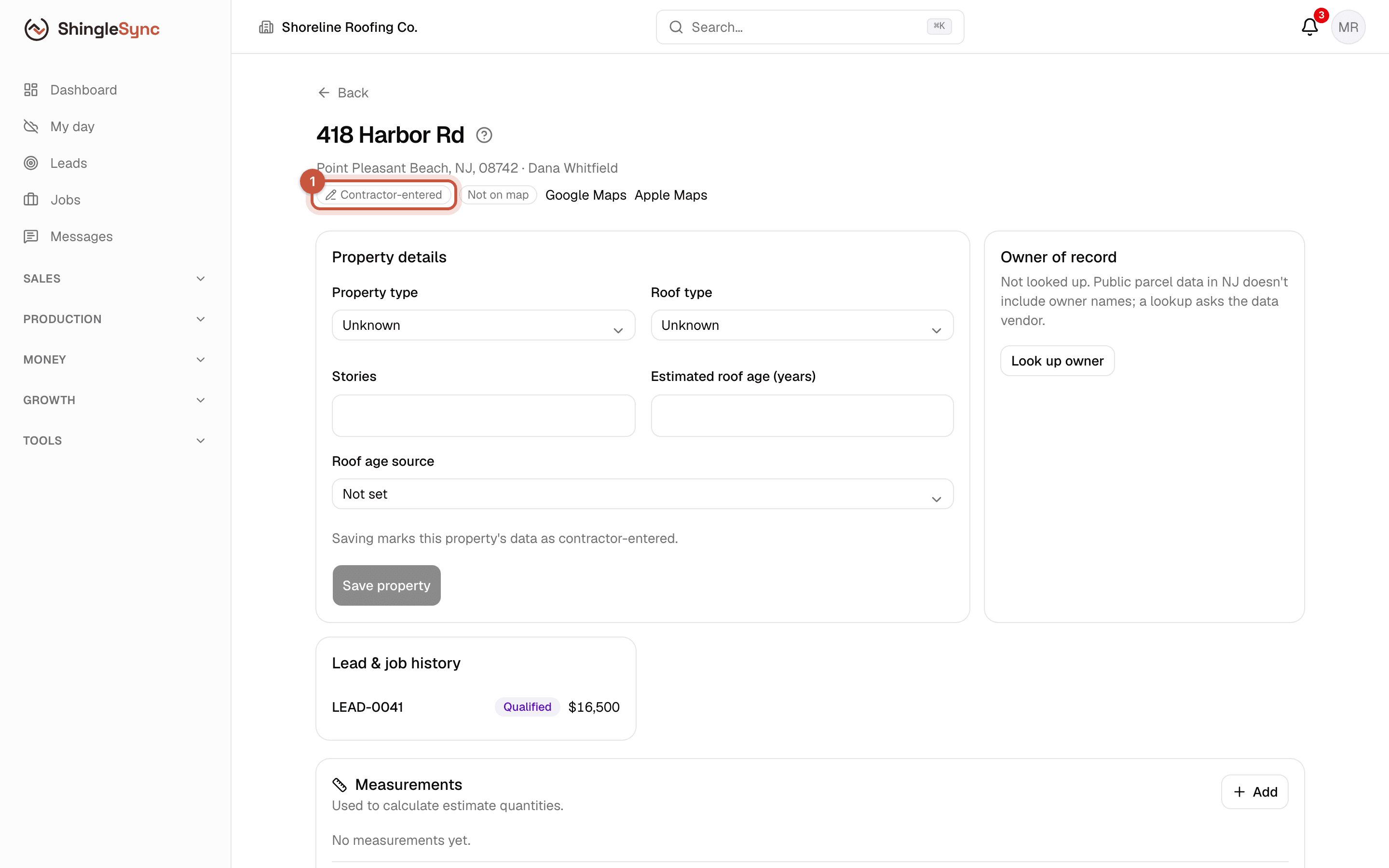
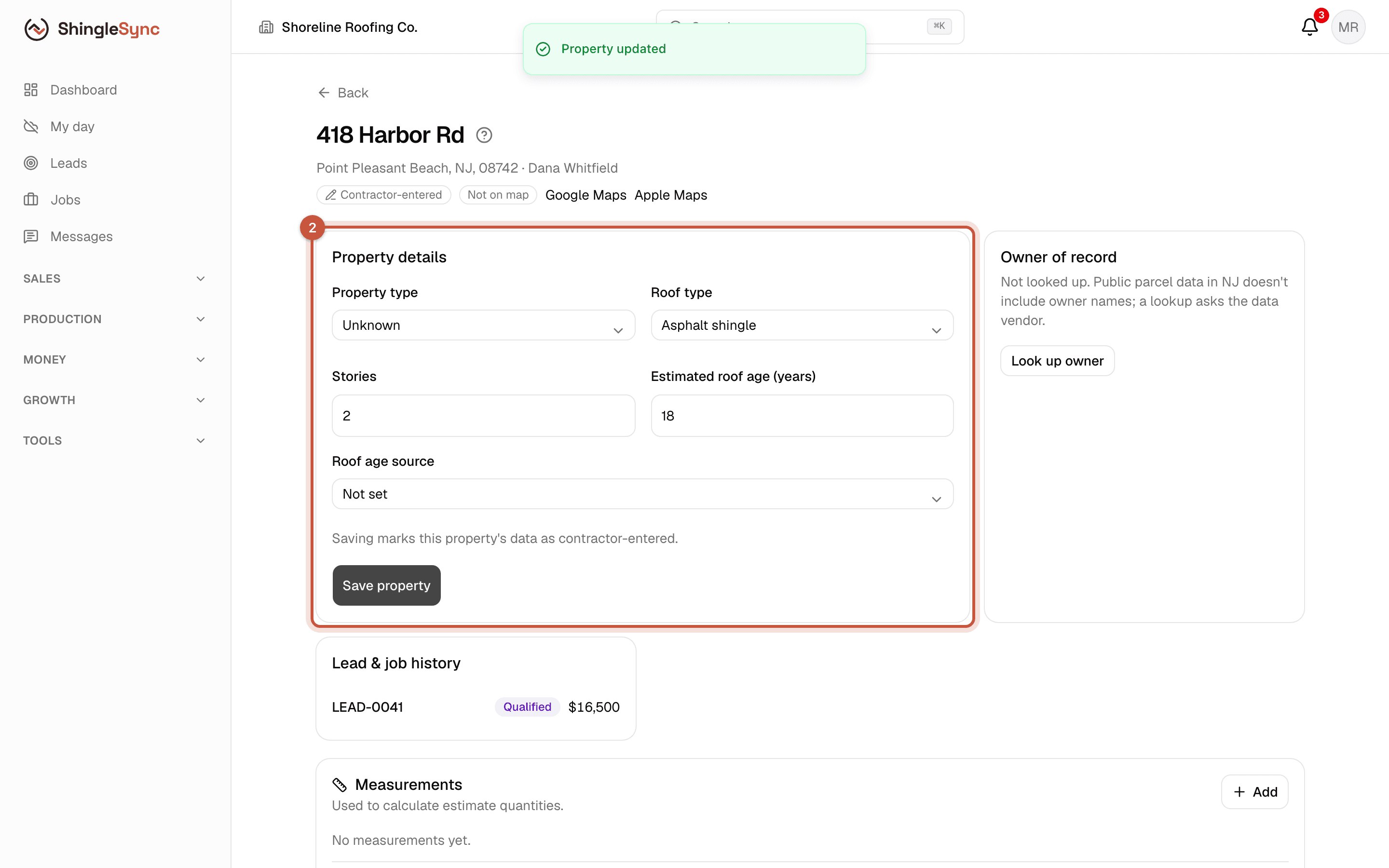
Where property data comes from matters. A badge shows whether each property's details are Verified, Contractor-entered, from a Third-party source, or Estimated. Storm data and lookups never prove damage; only your inspection does.